 NEW














Looking for a Copper CRM Alternative? Meet NetHunt CRM
NetHunt CRM works inside Google Workspace, with a full pipeline view right in Gmail. Add native WhatsApp chats, custom folders for any data, and AI tools that can analyze and update your records.
Plans from $24/user/month.
14-day free trial · Direct import from Copper CRM
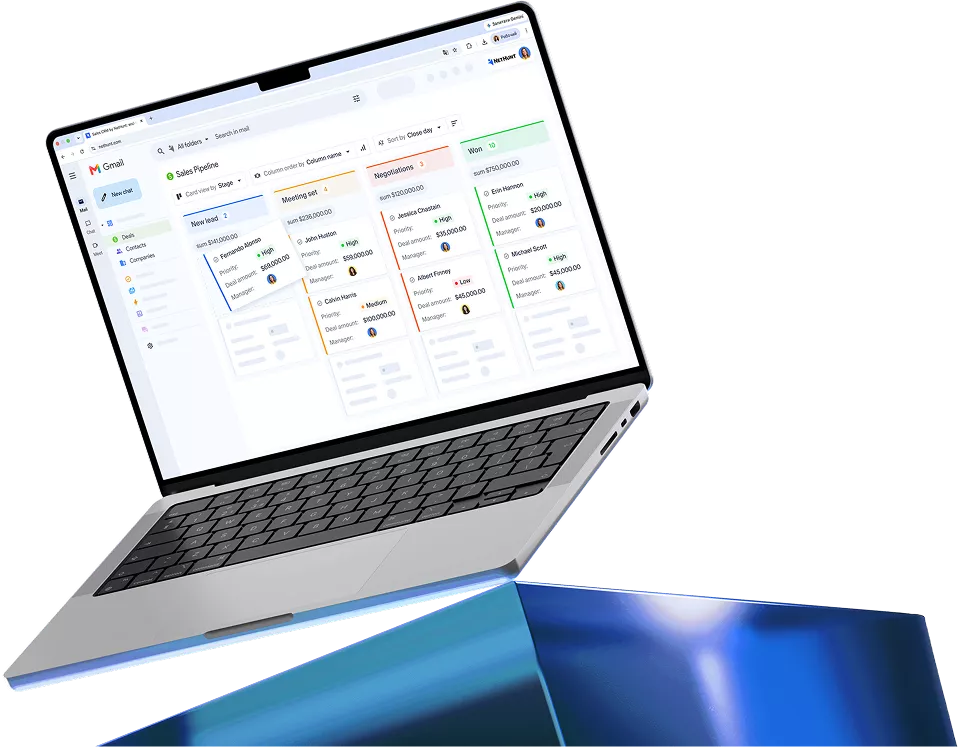
Top 4 reasons customers choose NetHunt CRM over Copper

Email campaigns and WhatsApp from $34
Send personalized campaigns, track opens and clicks, and reply on WhatsApp from one record. With annual billing, NetHunt CRM includes both from $34/user/month; Copper starts bulk email at $59.

More room for custom customer data
Add unlimited custom fields and build folders for partners, projects, or other data. Leads and deals come with the entry plan, so your sales team starts on day one. No contacts limit.

Conversations in every channel
WhatsApp, Instagram, Messenger, Telegram, and Viber chats land on the customer record next to your emails, so your team keeps the full history of every client conversation.

Automation, reporting, and AI in one place
Workflows assign leads, create tasks, and move deals, while reports track team activity, goals, and revenue. On every plan, ChatGPT, Claude or other AI assistant can analyze your pipeline through MCP.

"NetHunt is for me the only possible CRM which you can choose if you use G Suite/Gmail, because it’s the only one which is really fully integrated and works."
NetHunt CRM vs Copper CRM: how the plans compare in 2026
Both connect with Google Workspace. This feature comparison shows where they differ: how you manage the pipeline, connect customer channels, and adapt the platform to your process.
“If you are a Gmail user NetHunt is a great CRM. NetHunt has a better interface and you can customize it much better. Pricing of NetHunt is also better.”

 NetHunt CRM |
Copper | |
|---|---|---|
| Gmail integration | Embedded workspace and customer records, pipelines and tasks | Gmail sidebar for working with individual records |
| Full pipeline view in Gmail | View and manage the pipeline within Gmail | Full pipeline visualization requires the web app |
| Contact limits | Unlimited | From 2,500 contacts |
| MCP access for AI tools |
 On every plan |

|
| Custom record types |
Custom folders for any data
|
Fixed record types |
| Direct messengers’ integrations (WhatsApp, Instagram, Telegram etc) |
Direct
|
WhatsApp through third-party apps in the Copper marketplace |
| Bulk email campaigns | From $34 | From $59 |
| Access controls | Custom roles from Basic; hidden fields from Business | Team visibility and permissions from Professional |
When you need more than Copper CRM offers
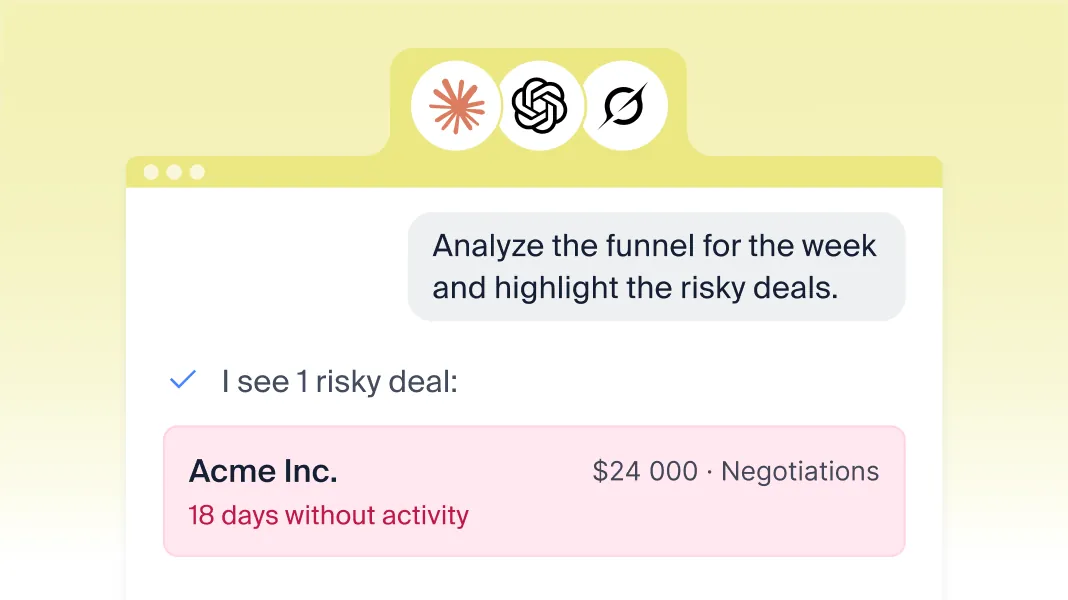
AI that analyzes and acts on your CRM data
Connect ChatGPT, Claude or another supported AI assistant through MCP. Ask questions about your pipeline, summarize customer history, create tasks and update records in plain language.
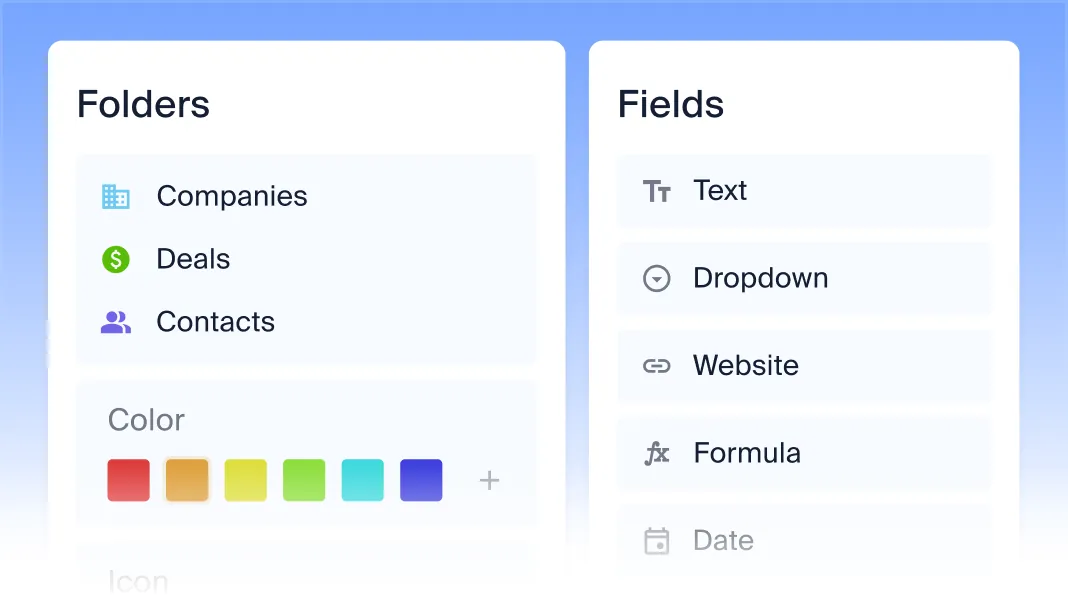
Flexible records beyond fixed objects
Create custom folders for partners, referrals, projects, subscriptions or other records your business needs. Add custom fields, connect related information and share saved views, keeping your customer data organized around the way you work.
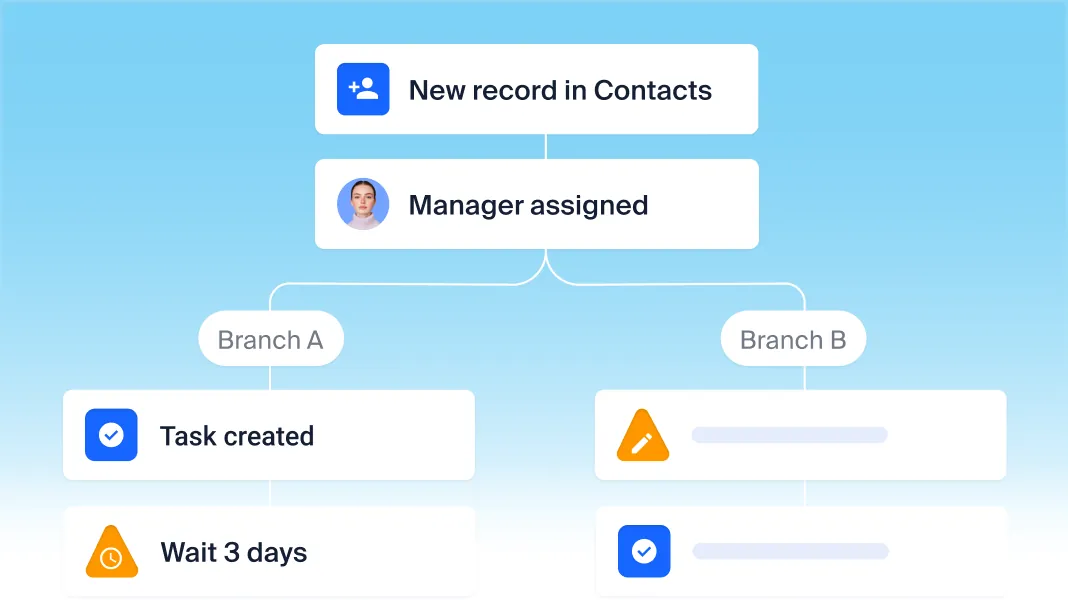
Advanced workflow automation for routine sales work
Assign leads, create tasks, update records, move leads through the pipeline, send alerts and reminders, and generate an invoice PDF from a deal. Add a multi-channel outreach sequence with email and chats.
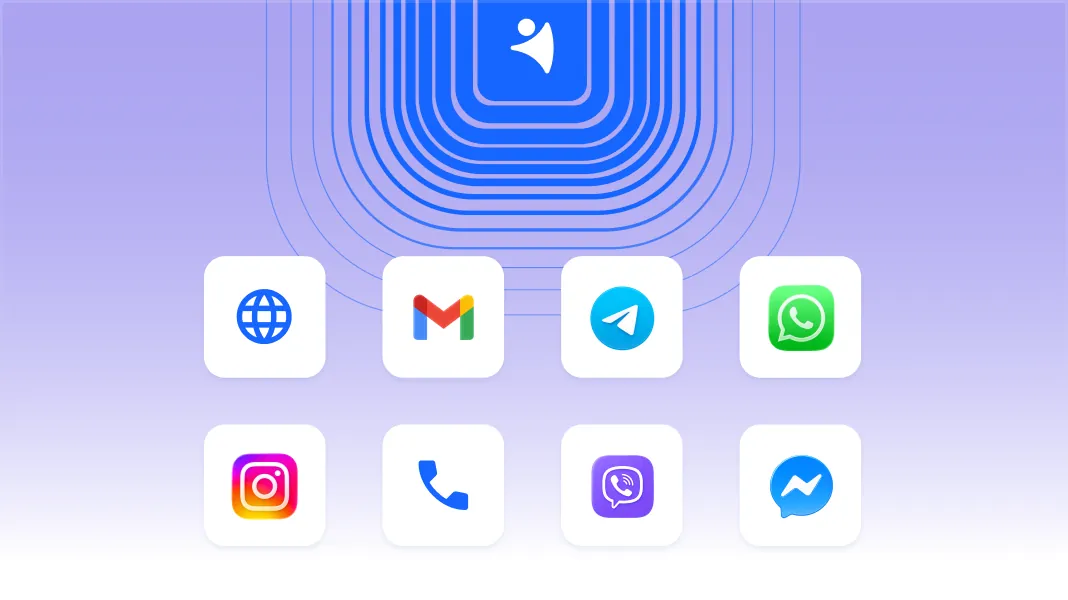
Conversations across every channel
Connect WhatsApp, Instagram, Facebook Messenger, Telegram, Viber and supported calling services. Log calls and keep conversations alongside email threads, notes, and documents on client records, so colleagues can review the history and pick up with context.
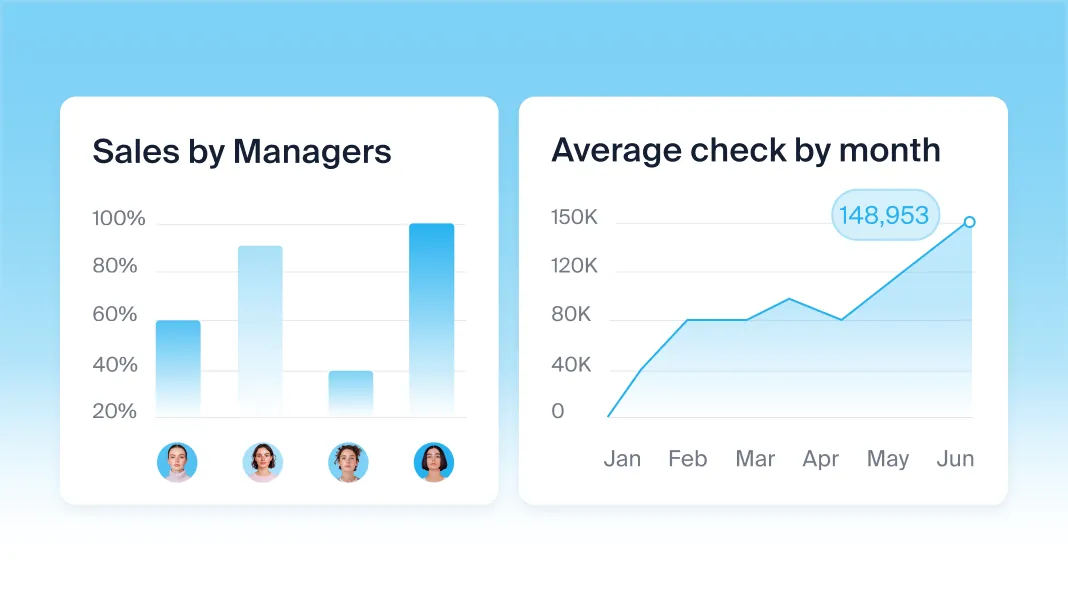
Sales goals and reports without exporting to Sheets
Review pipeline progress, revenue, sales results and team activity in built-in reports. Set goals for individual reps and the company, then connect Looker Studio when you need custom dashboards combining data from other sources.
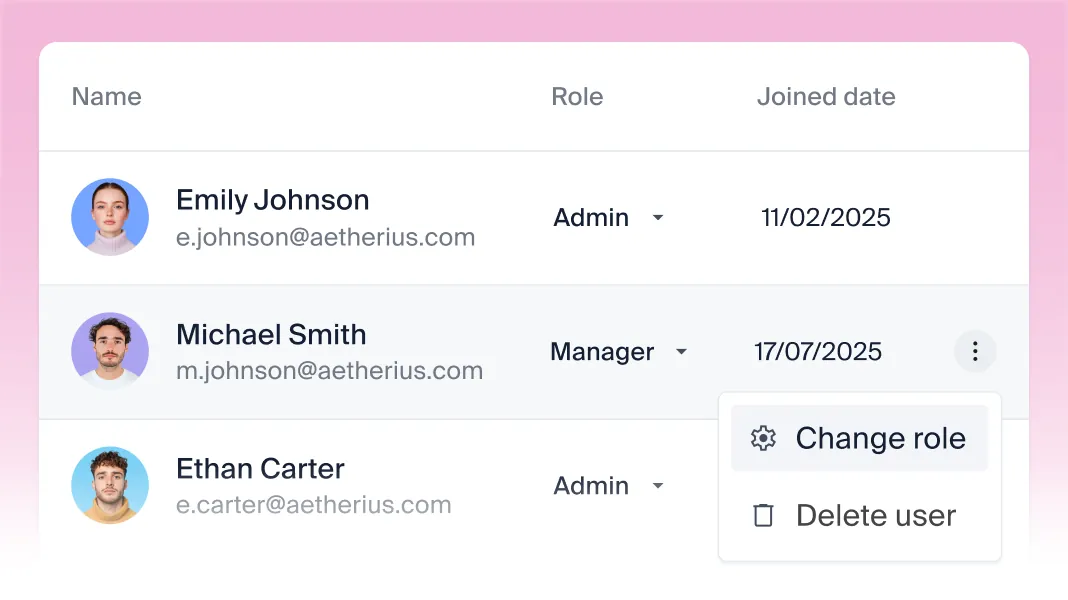
Control access from the first plan
Give teammates access to the records they need with custom roles, available from Basic. On Business, restrict visibility of sensitive fields by role. Copper lists team permissions from Professional.
What customers say about NetHunt CRM
 Chrome Store
 Capterra
 G2

“NetHunt is for me the only possible CRM you can choose if you use Google Workspace / Gmail, because it's the only one that is really fully integrated and works.”

Oliver Keplinger
Managing Director,
KEP Consult

“I have worked with and implemented some of the best CRM systems over the past two decades and this is by far the simplest and fastest to use.”

Paul Ashley Jensen
CEO,
The LinkedIn Strategist

“Our Gmail inbox is now so much more than just an inbox. It is a collaborative space where information can be shared by and with anybody who might need it.”

Eran Gal
CEO and Co-Founder,
Xorcom

“I do not want another window on my computer. I want it linked with my Gmail — and it is perfect and simple.”

Jérôme Hérard
Founding Partner,
ViaDirect
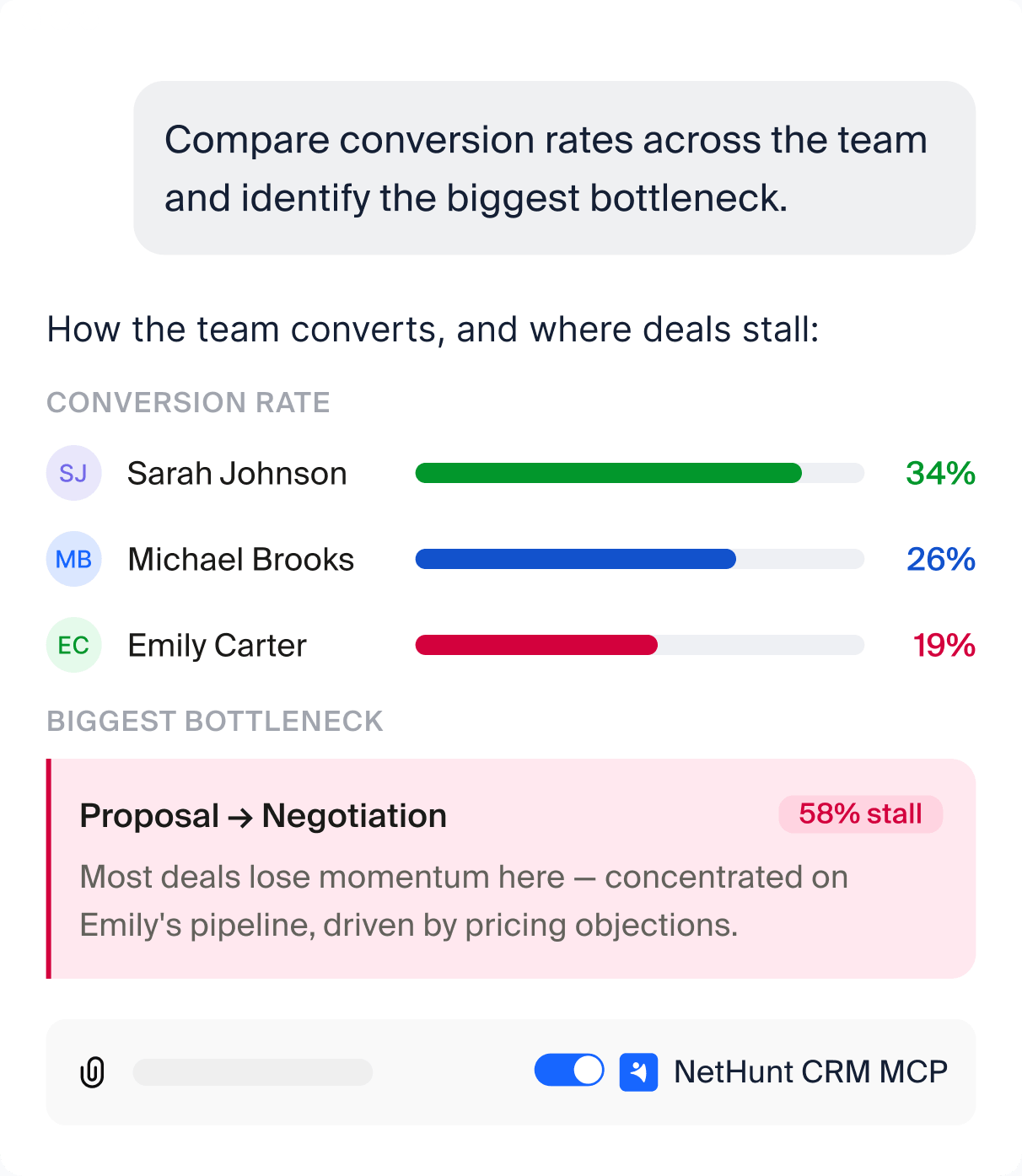
Let AI analyze and act on your CRM data
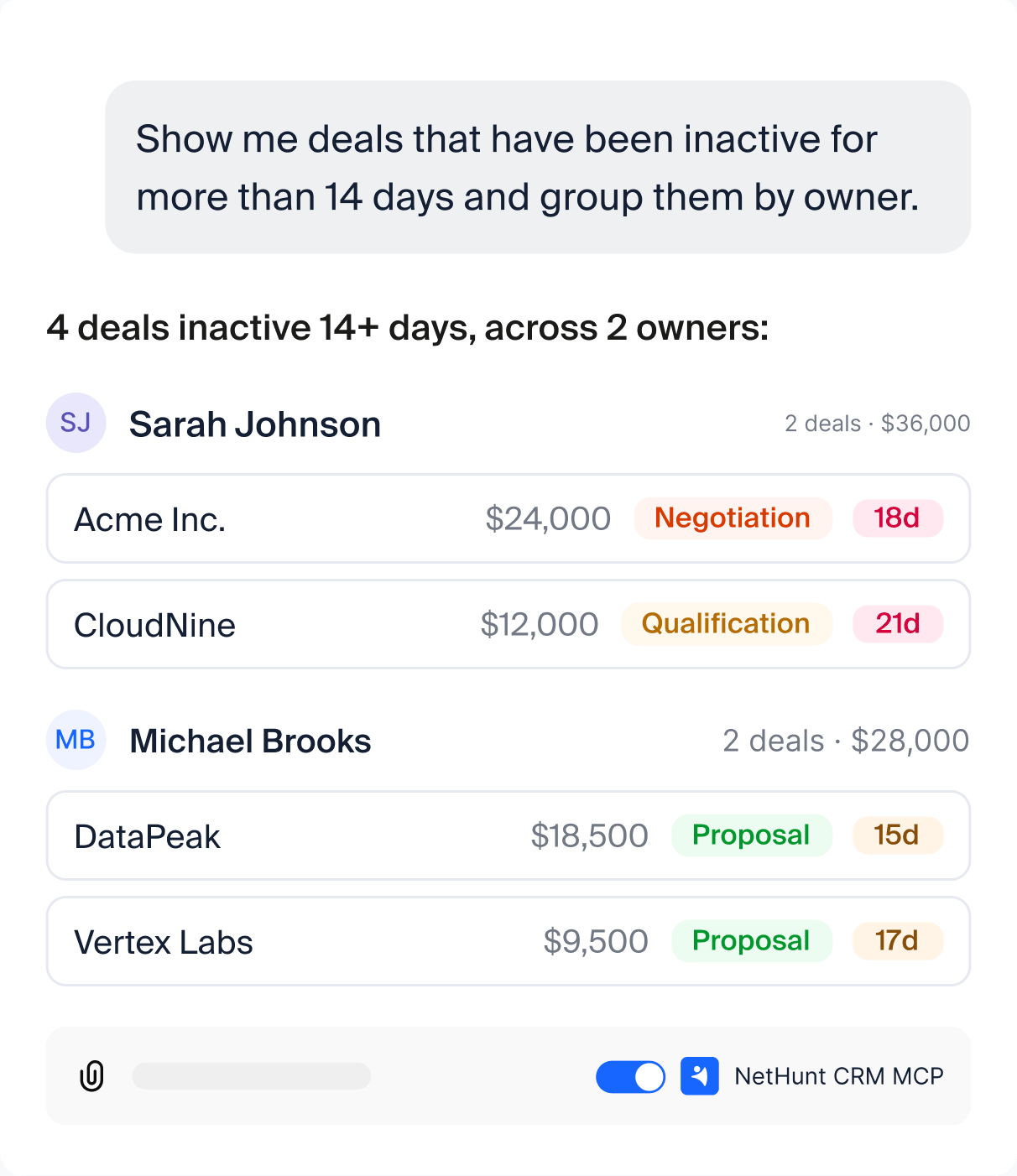
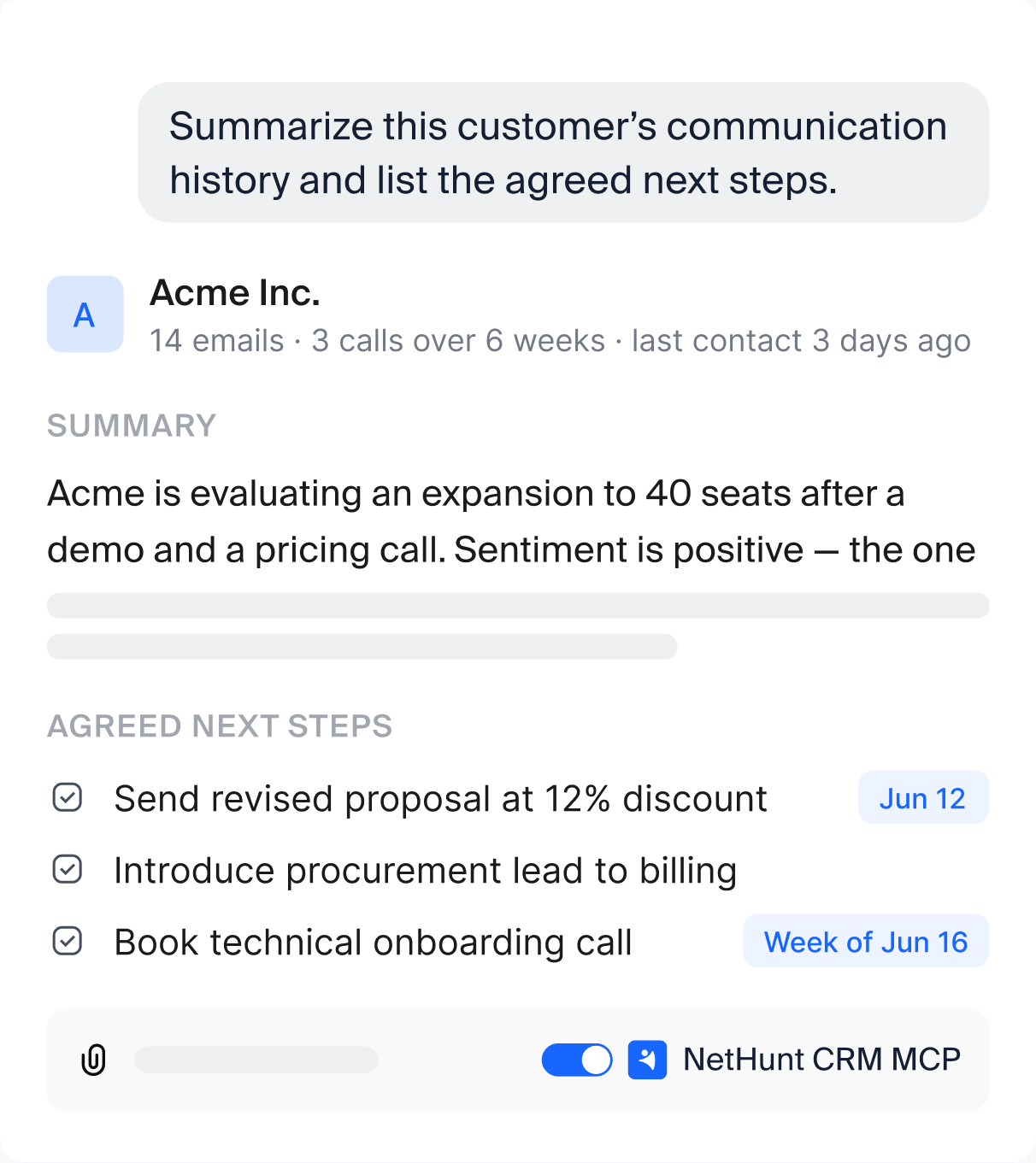
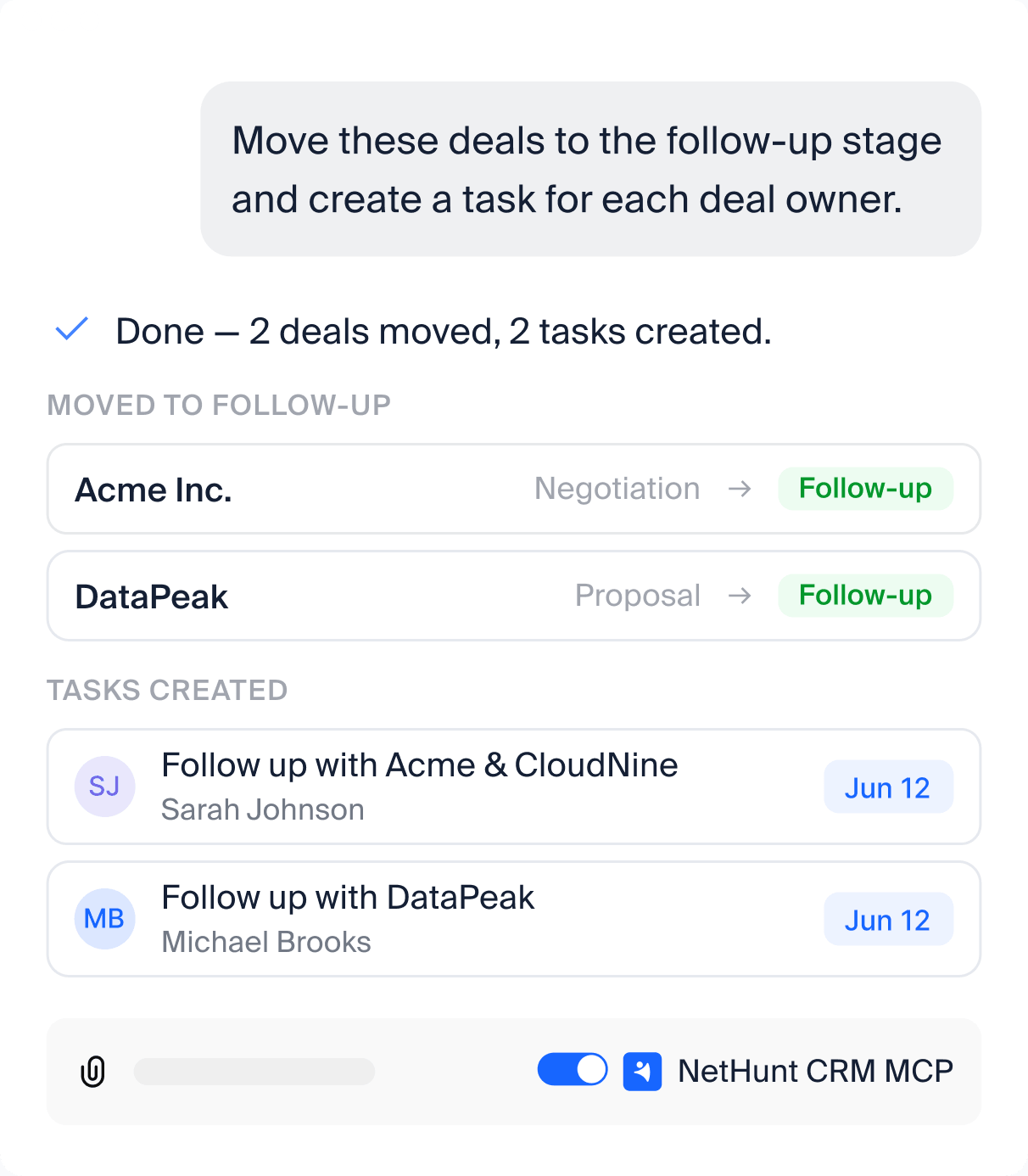
Connect ChatGPT, Claude or another supported assistant through MCP. Ask questions about customer history, review opportunities and turn decisions into record updates or tasks.
Find deals that need attention
Understand a customer faster
Update records from a prompt
Analyze pipeline performance
Migrate from Copper and test your process before switching
NetHunt supports a direct Copper import using your Copper API key. Start with your records, review the result and configure the process before moving everyone over.
The direct import brings data into a new folder. Check the transfer of relationships, files and historical activity separately. To move data in batches instead, export it from Copper to CSV and use the CSV import in NetHunt CRM.
Try it freeIs NetHunt CRM right for your sales team?

NetHunt CRM fits if you:
-
 want one hub for Gmail conversations and a full pipeline view;
-
need direct messaging connections and shared customer history;
-
want custom folders for records beyond standard contact management;
-
need branching follow-ups and AI tools that can act on your records.
Copper may be a better fit if you:
-
 already have a Google-first setup that meets your requirements;
-
value its combination of relationship and project management;
-
depend on a specific integration available in its ecosystem;
-
are comfortable with its record structure and plan limits.
Frequently asked questions
Is NetHunt CRM a good alternative to Copper CRM?
Yes, for teams that work in Gmail and want email campaigns, messengers, and automation in one sales CRM. NetHunt CRM also connects AI tools through MCP on every plan. Copper (formerly ProsperWorks) may be enough if you want a simple Google-first CRM with project pipelines and contact enrichment in the entry plan.
How does Copper CRM pricing compare to NetHunt CRM?
Compare Copper and NetHunt CRM plan to plan at list price, then multiply by your headcount. With annual billing, Copper costs $23 (Basic), $59 (Professional), and $99 (Business) per user per month, or $29, $69, and $134 billed monthly. NetHunt CRM costs $24 (Basic) and $34 (Basic Plus) billed annually, or $30 and $42 billed monthly, Business ($60) and Business Plus ($84) are listed with monthly billing. Neither product lists a free tier. Compare plan to plan, then multiply by your headcount.
Does NetHunt CRM work inside Gmail like Copper CRM?
Yes. NetHunt CRM is a CRM that lives inside Gmail. The browser extension adds records, customer history, tasks, pipelines, automations, and more to Gmail, and emails link to contacts and deals automatically, so there’s less manual data entry. Work on desktop in Gmail, the web app, or the Gmail add-on, and on the go with iOS and Android mobile apps.
Can I move my Copper data to NetHunt CRM?
Yes. NetHunt CRM has a direct import from Copper. Generate an API key in Copper, choose Import data and then Import from Copper in the NetHunt CRM menu in Gmail, paste the key, and start the import. Your data arrives in a new folder in your workspace. Then you set up your pipelines and workflows.
How much does bulk email cost in NetHunt CRM and Copper?
In NetHunt CRM, mass email campaigns with analytics start on Basic Plus at $34 per user per month, billed annually. In Copper, bulk email starts on the Professional plan at $59, billed annually, and email series on Business at $99. NetHunt CRM tracks email opens and link clicks on every plan, and Basic Plus adds marketing features, so small teams don’t need separate email tools in their stack. For marketing automation, Business adds email sequences.
Can NetHunt CRM manage WhatsApp and other messengers?
Yes. NetHunt CRM integrates with WhatsApp, Instagram, Facebook Messenger, Telegram, and Viber. Instagram, Messenger, and Telegram and Viber bots work from Basic. Personal WhatsApp and Telegram accounts start on Basic Plus. Depending on the plan, each workspace can connect 1, 3, 7, or 15 messenger accounts.
Which Copper integration options does NetHunt CRM cover?
On every plan, NetHunt CRM includes Google Workspace integration: Gmail, Google Calendar and Google Drive, Google Chat, and Google Contacts sync. Like Copper’s calendar sync, these integrations with Google come with the entry plan, as do Zapier and Make. Copper lists QuickBooks, DocuSign, and Mailchimp natively from Professional. In NetHunt CRM, you connect them through Zapier or Make.
What are the best Copper CRM alternatives in 2026?
The right choice depends on where your team lives. Google Workspace teams usually compare NetHunt CRM and Streak, which work inside the inbox. Teams that want a standalone suite look at HubSpot, Pipedrive, or Zoho CRM. Compare the tier you would actually buy, each vendor’s per-seat cost, and which integrations are native.
What is the main drawback of Copper CRM?
The main drawback is that key features sit on higher plans: Copper keeps workflow automation and reporting, bulk email, and leads for Professional, and caps Basic at 2,500 contacts. Another limitation is a fixed record structure, so a team that needs custom objects can outgrow Copper. It also has no native messenger integrations.
 product experts — let's find the best setup for your team
