 NEW















 Email
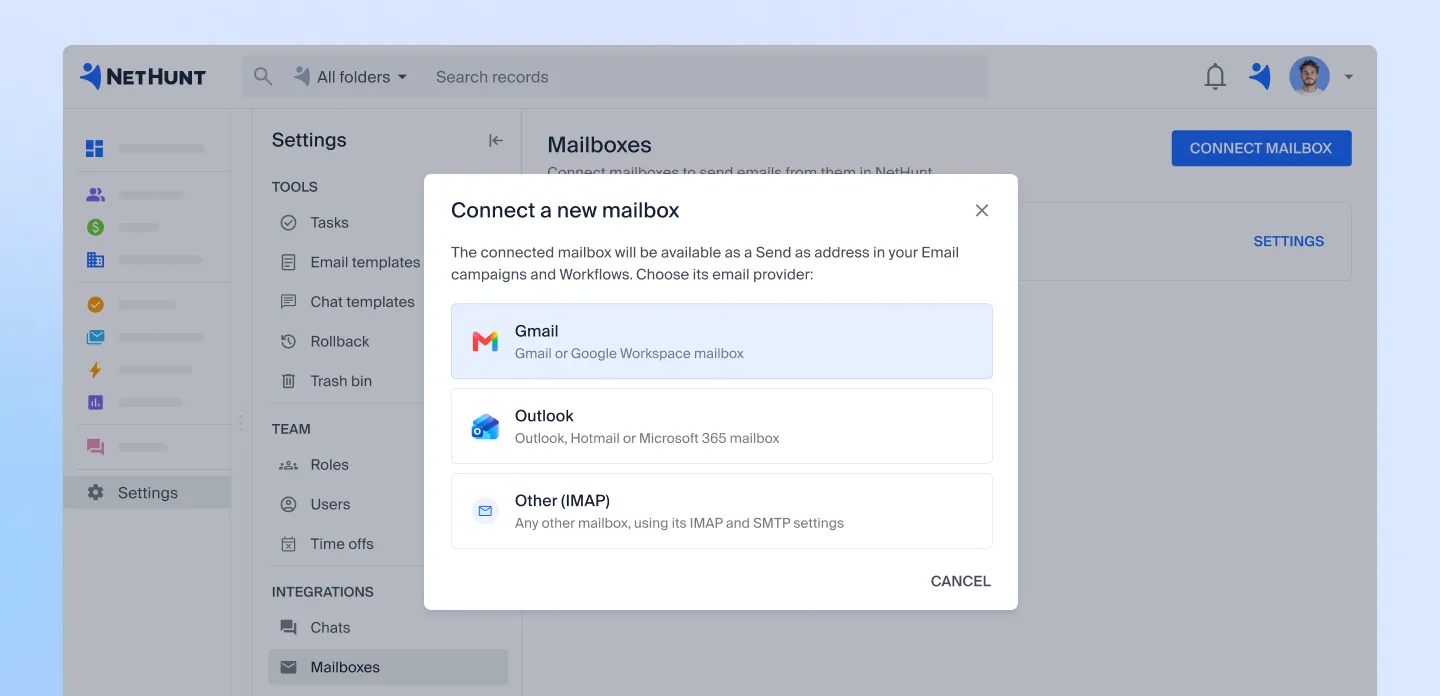
Connect additional mailboxes to NetHunt CRM

Google is ending support for connecting third-party mailboxes to Gmail, so we’ve made it possible to connect them directly to NetHunt CRM.
You can now use additional Gmail, Outlook, Yahoo, and other mailboxes via IMAP to send bulk emails and automated emails.
For example, you sign in to the CRM with your work address, but want your campaign to go out from sales@company.com. Just connect that mailbox to NetHunt CRM and select it in the Send as field of your bulk email or automation.
What else has changed:
-
NetHunt CRM automatically tracks replies and bounces from connected mailboxes.
-
Client replies appear in the history of the matching CRM records.
-
You no longer need to set up forwarding to your main Gmail inbox.
 product experts — let's find the best setup for your team
