 NEW
NEW















We’ve redesigned view management in NetHunt CRM to make it easier to organize, share, and navigate views.
The previous view management menu has been replaced with a dedicated Views sidebar. It gives you quick access to all views within the folder you’re currently working in.
 Views updates
View management improvements

You can now:
-
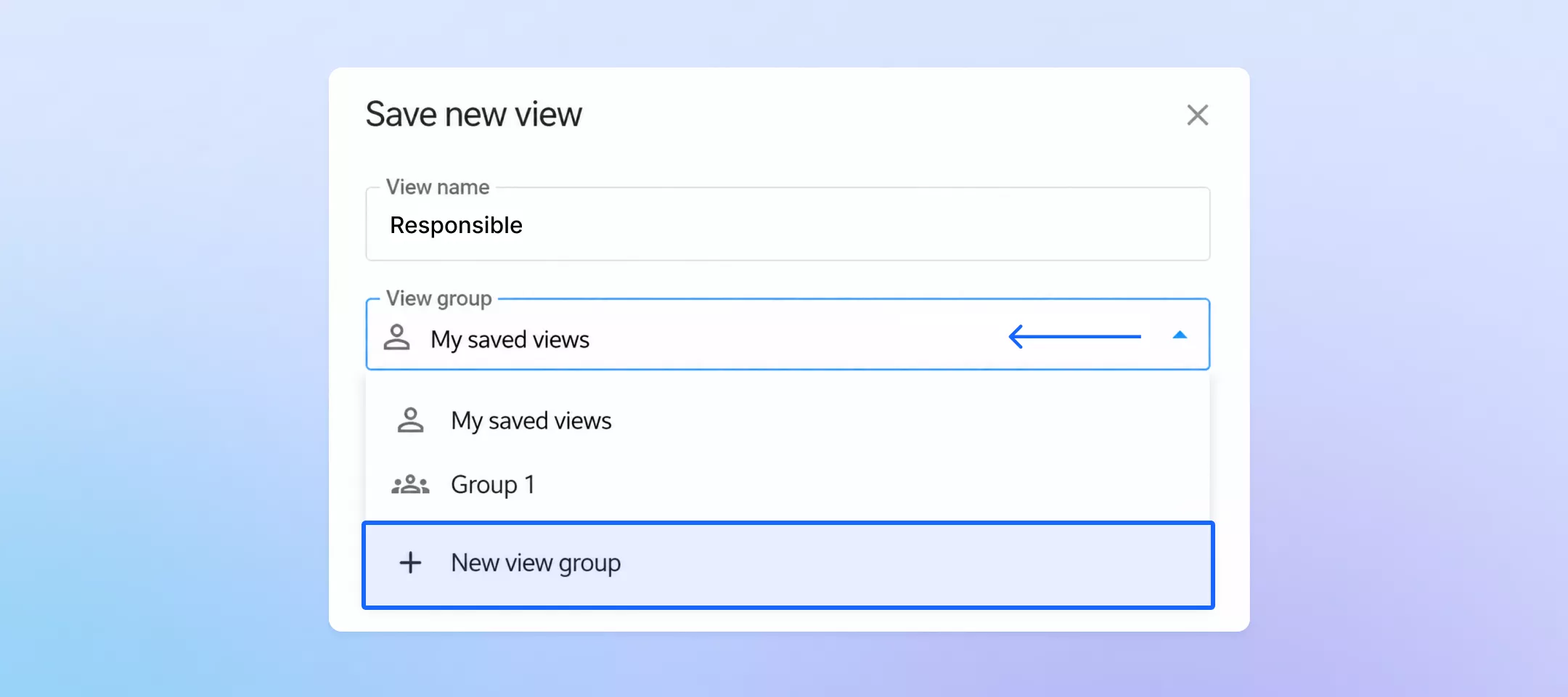
organize related views into custom groups, such as “Pipeline,” “Reporting,” or “Marketing”;
-
find all your ungrouped views under Saved views;
-
access views shared by teammates under Shared with me;
-
collapse groups you’re not currently using.
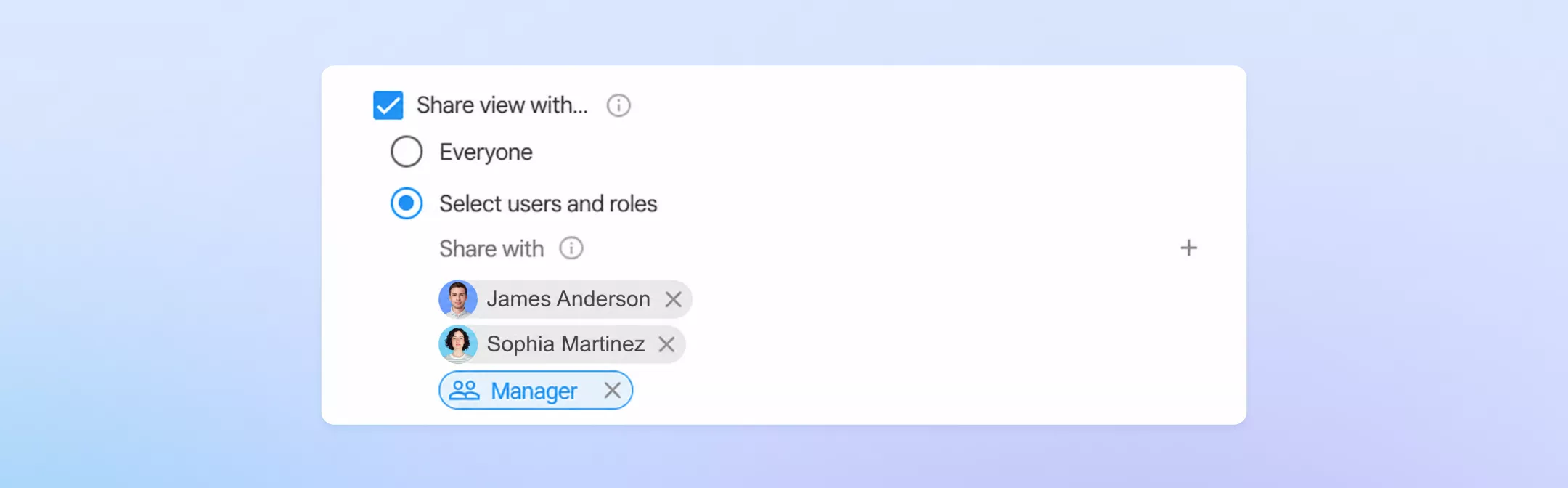
We’ve also expanded view sharing options. You can now:
-
keep a view private;
-
share it with specific users or roles;
-
make it available to everyone in the folder.
Role-based access updates automatically as people are added to or removed from a role.
You can also share an entire group of views and arrange them in the order that matches your team’s workflow. Everyone you share it with sees the same structure while still being able to favorite views or save their own modified copies.
Finally, Favorites now serves as your personal list of frequently used views. Add your own or shared views and arrange them in any order without affecting your teammates’ setup.
Manage views, groups, sharing, and Favorites under Settings → Saved views.
Detailed guide in the Help Center
Finally, Favorites now serves as your personal list of frequently used views. Add your own or shared views and arrange them in any order without affecting your teammates’ setup.
Manage views, groups, sharing, and Favorites under Settings → Saved views.
 product experts — let's find the best setup for your team