










It’s time to look back and make sure everything planned has truly come to life. Over the past 12 months, the NetHunt team has had an incredibly productive year — one focused on real, tangible improvements that teams feel in their everyday work.
Let’s take a closer look at the key milestones NetHunt CRM achieved in 2025.
In-product notifications
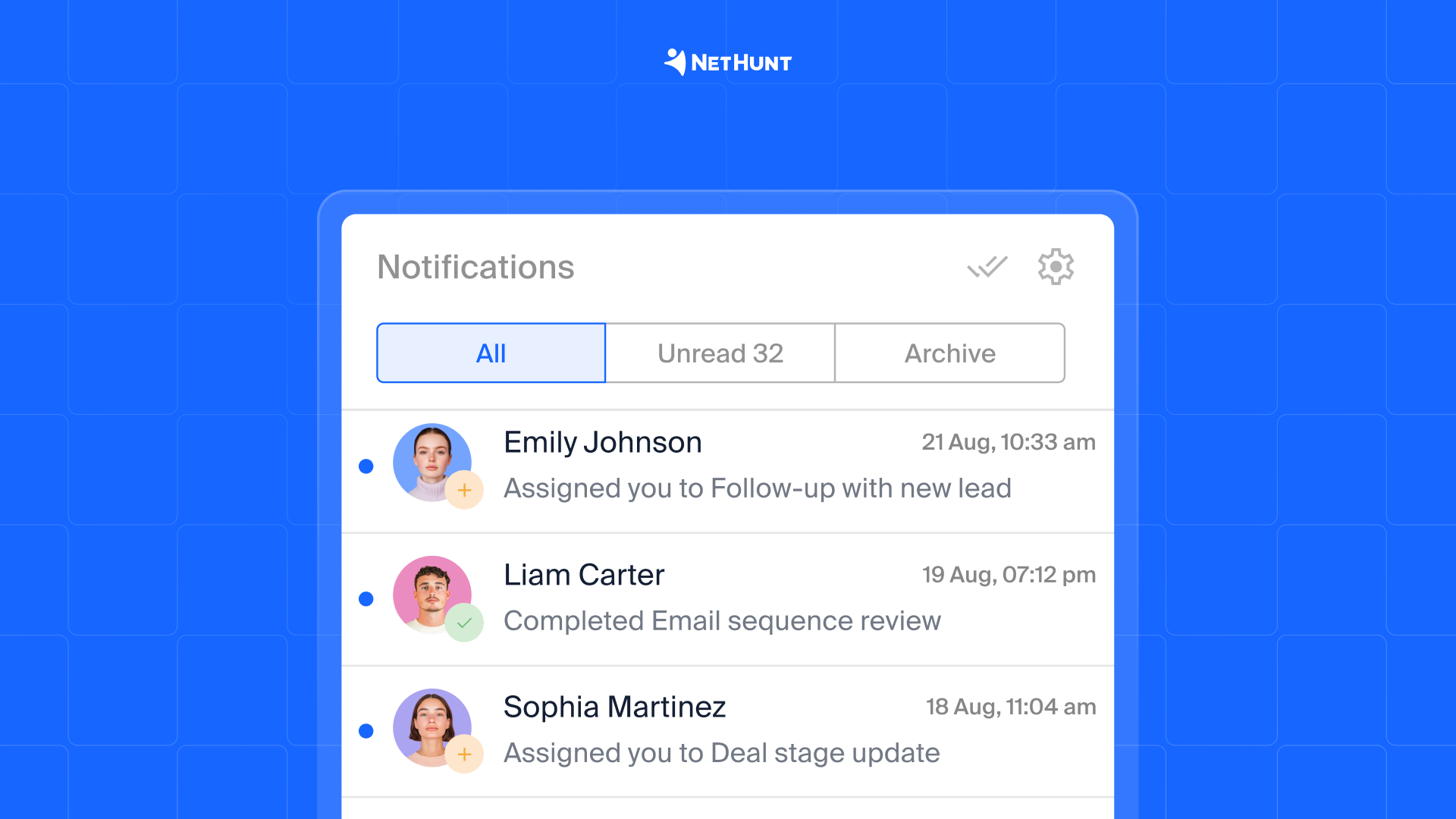
Important events no longer “wait” until someone opens a CRM on their desktop. NetHunt now instantly notifies users about everything that requires attention — in the top-right corner of the browser or directly on a smartphone.
You’ll receive notifications when:
- you’re assigned as the owner of a deal or contact
- a new task is created or assigned to you
- a colleague mentions you in a comment
- a deadline is approaching
- a delegated task is completed or reopened
and more!
Major Tasks update: 40 use case scenarios
Task records became just as flexible as any other entity in NetHunt CRM. New capabilities include:
- custom fields and field groups
- custom task stages
- task types and completion conditions
- more control for task creators
Team collaboration also expanded significantly. Tasks now open in full-screen mode, showing activity history, comments, files, and colleague mentions.
You can manage tasks in a detailed List view or switch to a Kanban board, organize them using system or custom criteria, and keep focus with saved filters and counters.
A special focus was placed on workflows — they now cover the entire task lifecycle, from creation to completion, including comments, assignees, and status changes.
Workflows became more flexible and powerful
In real work, processes rarely follow a perfect plan. Someone replies later than expected, a date changes, or a client messages you in a messenger instead of email — and workflows shouldn’t break in those moments. This became a major focus for the team in 2025.
What’s new:
- pinned automation comments now appear in the record’s Timeline
- ability to skip “Wait until date” steps if the date has already passed (previously, the workflow would stop)
- expanded date format settings for the Webhook Event trigger (e.g. mm/dd/yyyy or dd/mm/yyyy)
- timestamps to track how long a deal stays at each stage and how quickly managers respond
More focus on communication
New triggers and waiting steps were added, including:
- New Chat — starts a workflow when a new message arrives in a messenger
- Wait for chat interaction — triggers when the first message is received
- Wait for email bounce — reacts when an email fails to deliver
Personal Viber integration
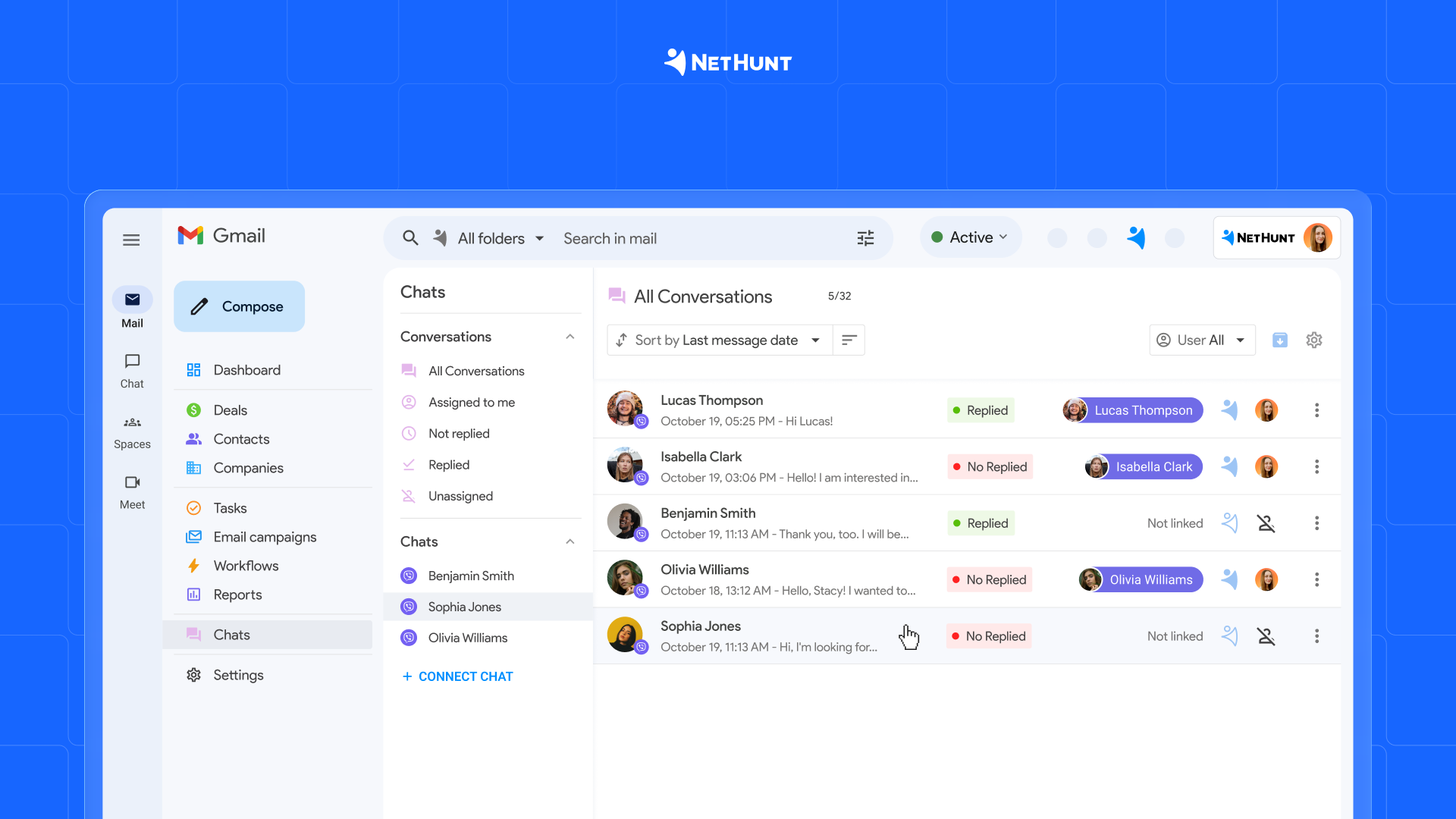
In 2025, NetHunt CRM took another step toward keeping all customer communication inside the system. Conversations from personal Viber accounts can now be handled and stored directly in NetHunt CRM via the eChat integration.
What this enables:
- Viber messages in one inbox alongside other channels
- creating contacts or deals directly from messages
- communicating with clients without leaving CRM
- automatic saving of full conversation history in the client record
Facebook Messenger integration
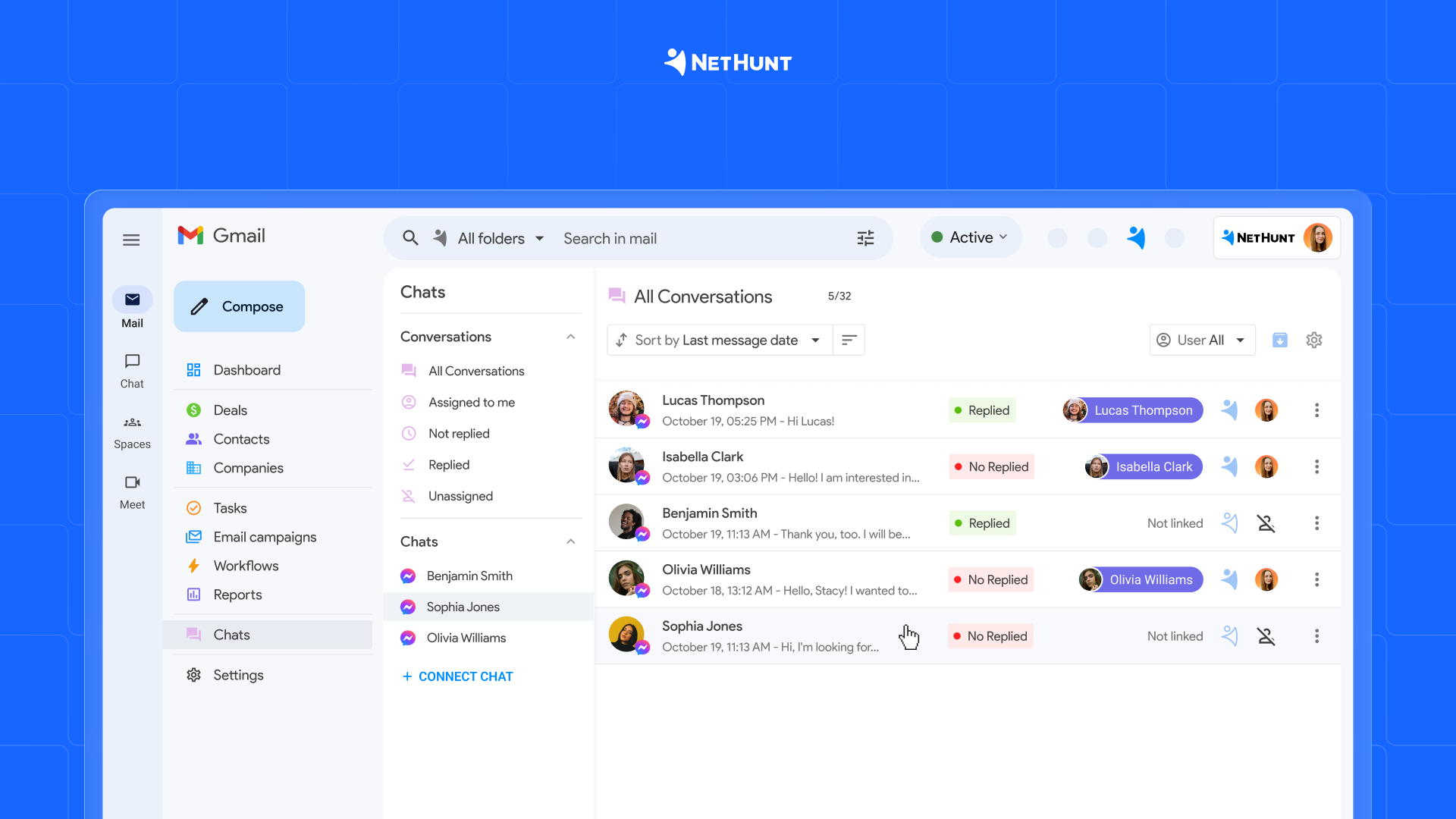
Another key communication channel is now available right inside CRM — alongside other chats.
Integration capabilities:
- supports direct messages and post comments
- Messenger can be used as a workflow trigger
- full real-time conversation history in one place
- role-based access, just like other chat integrations
Note: the integration works only with Facebook business pages.
Aircall, Phonet and CallsApp integrations
When calls live outside CRM, valuable context, agreements, and growth opportunities are often lost. That’s why in 2025 NetHunt introduced additional call integrations with Aircall, Phonet and CallsApp.
Key features:
- logging all inbound and outbound calls in CRM
- automatic creation of contacts and deals after calls
- listening to call recordings directly in client records
- calls automatically linked to CRM records
- workflows triggered by call events
VoIP calls automation
Daily customer work is impossible without calls — incoming, outgoing, answered, and missed. The team focused on making sure this communication flow doesn’t turn into chaos.
A new “New VoIP Call” trigger helps:
- track all calls in one place
- build handling scenarios for each call type
- ensure no customer inquiry is missed
UI/UX improvements: small changes you feel every day
Attention was also given to interface details — small changes that save time and reduce unnecessary actions:
- field-type icons in columns and record cards for faster data navigation
- Created and Updated fields now show exact time, not just date — making it easier to distinguish new records from recently updated ones
A special year: NetHunt CRM turned 10
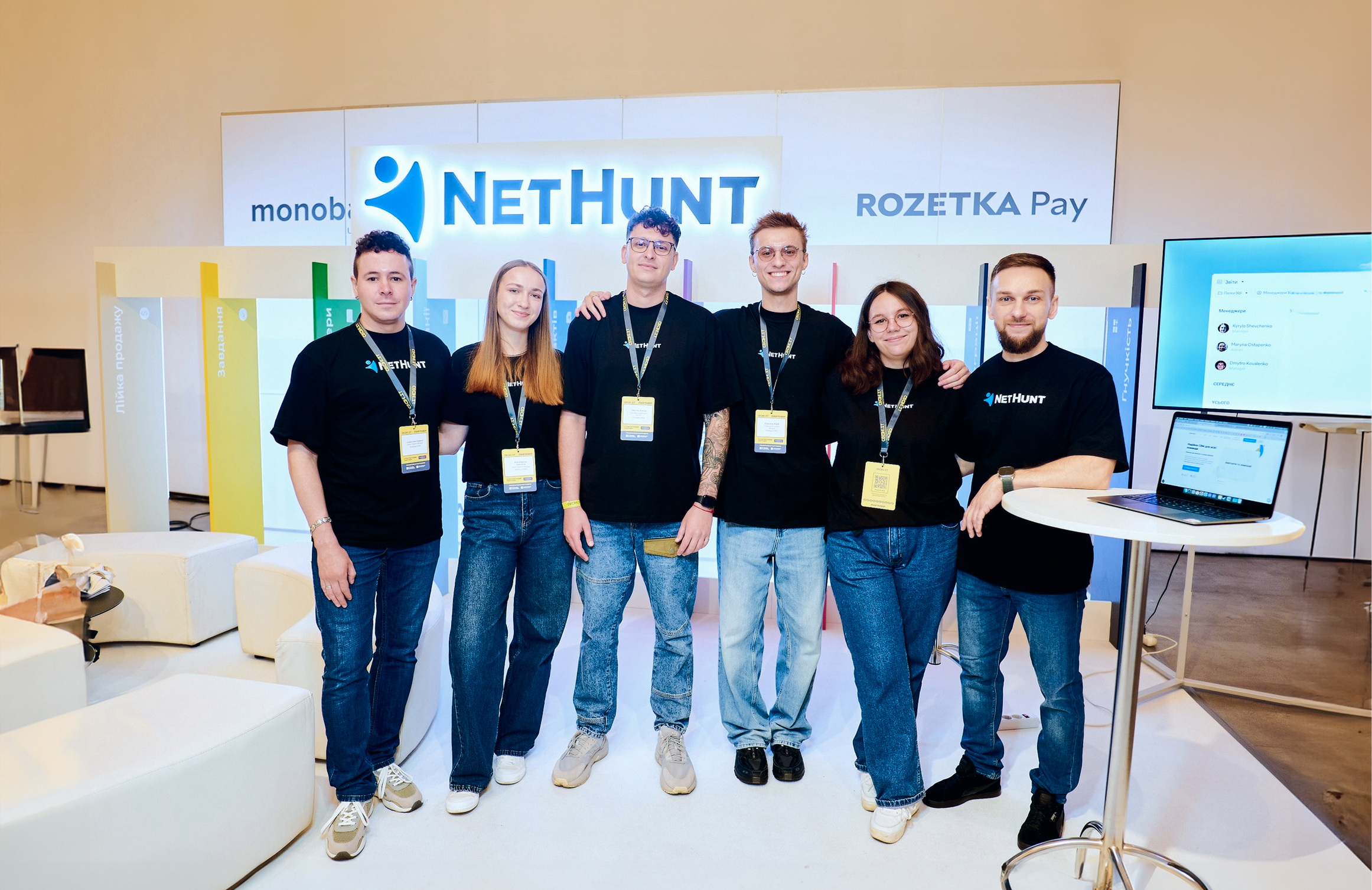
This year was special for another reason — NetHunt CRM celebrated its 10th anniversary.
Ten years mean hundreds of decisions, thousands of tasks, and one consistent direction: moving forward together with those who trust us. NetHunt has grown from a small team with a big idea into a CRM used by 10,000+ users across 93 countries.
For us, this anniversary isn’t about numbers or status. It’s about the journey we’ve taken together with customers, partners, and the team — about trust, support, and shared growth reflected in every product update.
Thank you for being with us. There’s much more ahead.
Of course, this recap doesn’t include every single 2025 release — there were simply too many. All improvements and updates are available on our Product Changelog page. Explore, read, and apply them in your work.
And finally — thank you to everyone who trusts NetHunt CRM with their business processes.
✨ Happy upcoming holidays!
May the New Year bring more clarity, less chaos, and enough time for what truly matters — at work and beyond.




 product experts — let's find the best setup for your team