










This article is for independent consultants, boutique consulting firms, and agencies that sell services. It targets professionals who need a CRM to manage client relationships, track deals, automate workflows, and scale efficiently.
This guide covers the best CRM software for consultants in 2025, comparing features, pricing, use cases, and limitations—so you can choose the right system for your workflow.
Key consulting CRM features
A great CRM for consultants should support both sales and service delivery. Look for platforms with:
- Workflow customization: Add custom fields, project stages, consulting-specific workflows, billing phases, and recurring processes tailored to your service model.
- Sales + project pipeline tracking: Manage leads, onboarding, active projects, delivery stages, deadlines, and owners in one place.
- Automation for reducing operational overload: Trigger sequences of tasks, handoffs, reminders, approvals, and client follow-ups automatically based on pipeline stages or project status.
- Centralized communication history: Store all emails, calls, notes, files, and client documents in one shared client record.
- Reporting for service businesses: Track revenue forecasts, billable vs. non-billable workload, pipeline performance, and project timelines. Ability to share reports with clients.
- Mobile access: Update tasks, log notes, and check project status on the go.
- User-friendly interface & fast onboarding: Easy for consultants and teams to adopt without extra training or admin burden.
List of top 7 CRM for consulting business
NetHunt CRM
Best for consultants who need CRM that adapts to their processes
NetHunt CRM is a flexible, highly customizable CRM designed to fit the workflows of consultants and service-based businesses. It helps teams manage leads, client communication, active projects, and follow-ups in one organized system.
With fully customizable pipelines, fields, and workflows, NetHunt adapts to any consulting process — from lead generation to project delivery and client retention. It also offers powerful automation, reporting, and collaboration tools that reduce operational workload and keep projects moving smoothly.
NetHunt CRM Key Features
- Flexible folder and field customization so you can structure your CRM around consulting offers, project types, client categories, or service workflows.
- Pipelines to track leads, active projects, retainers, and renewals with stages that match your process.
- Automated follow-ups and task sequences that create reminders, recurring tasks, and more as deals or projects move forward.
- Advanced contact and client management with segmentation by industry, service type, priority, project status, or revenue potential.
- Reporting and analytics dashboards built for service businesses to track pipeline value, upcoming revenue, project timelines, and team workload.
- Team collaboration features including shared notes, comments, files, and full client history for smooth communication and handoffs.
Perfect for: consultants who live in Gmail and need a simple, powerful CRM that automates admin work and improves client relationship management.
Productive CRM
Best all-in-one CRM + project management for consulting agencies
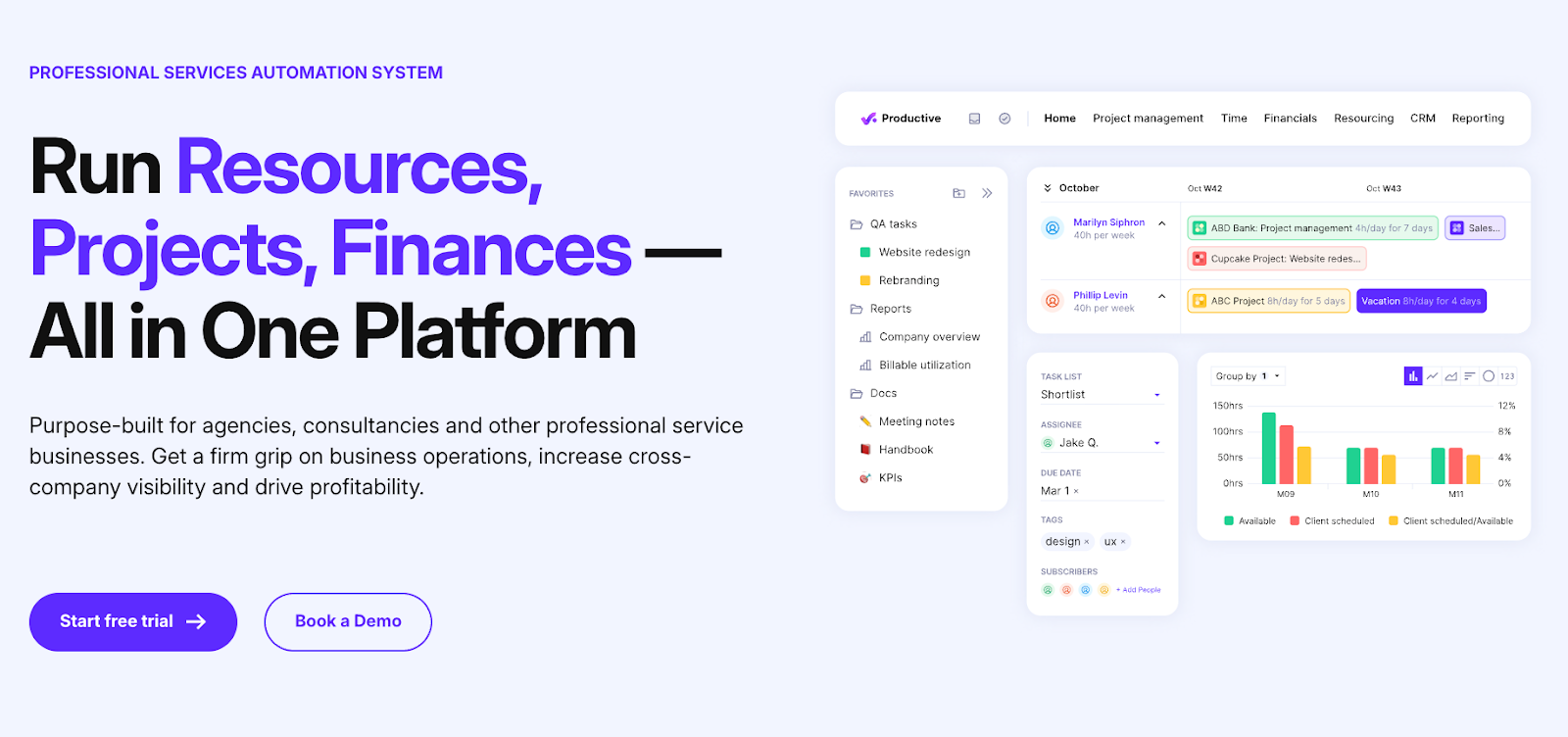
Productive is built specifically for consulting agencies, professional service firms, and multi-person teams. It combines CRM, project management, budgeting, resource planning, time tracking, and reporting in one platform.
Pros of Productive
- Integrated CRM and project management in a single platform
- Customizable sales pipelines and proposal generation
- Powerful budgeting and financial forecasting tools
- Time tracking with billable vs. non-billable hours management
- Resource planning to optimize team utilization and workload balance
- Collaboration features including client portals
- Wide range of integrations (HubSpot, Slack, Google Calendar, QuickBooks, etc.)
- Detailed reporting and analytics to monitor sales and project performance
- Scalable for growing consulting firms and agencies
Cons of Productive
- Can be complex to set up and configure for smaller or solo consultants
- Higher learning curve compared to simple CRMs focused solely on sales
- Pricing may be less accessible for very small consulting businesses or freelancers
- Some advanced features may be underutilized by firms without dedicated operations staff
Best for: Growing consulting agencies needing a unified sales + delivery system.
Monday CRM
Best visual CRM for consulting teams
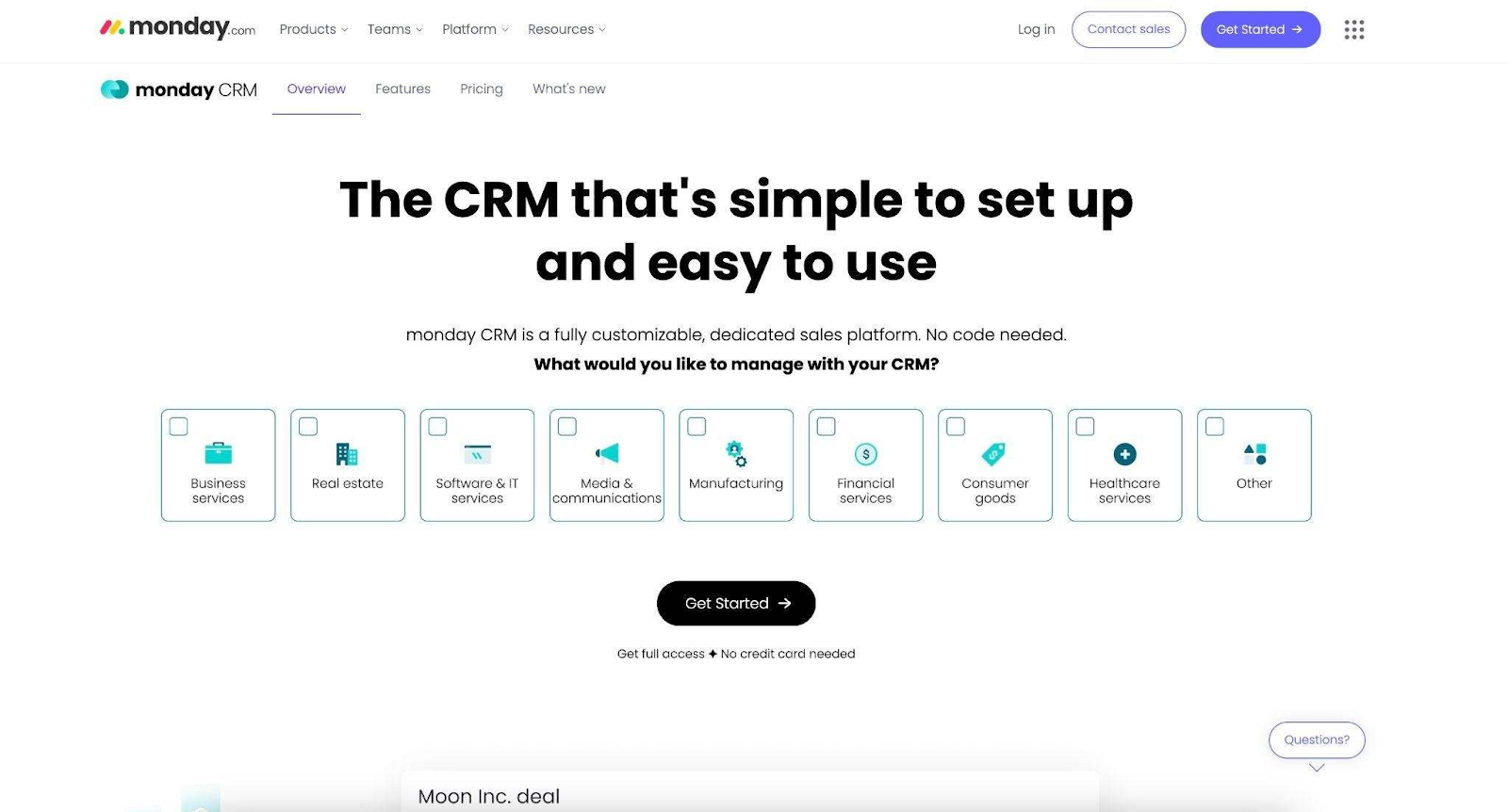
Monday.com offers flexible CRM capabilities combined with powerful project management tools. Its visual interface makes it ideal for consulting teams managing both sales and delivery.
Pros of Monday CRM
- Highly customizable CRM and project management workflows
- Visual pipeline management with Kanban, Gantt charts, and timeline views
- Strong collaboration tools including real-time updates and shared boards
- Integrated task, time, and workload management for team efficiency
- Easy integrations with popular tools like Slack, Google Workspace, and Microsoft Teams
- Mobile apps for managing work on the go
- User-friendly interface with drag-and-drop capabilities
- Suitable for both small consulting teams and larger agencies
Cons of Monday CRM
- CRM features are less specialized
- Pricing increases as features/users grow
- Some learning curve
- May require setup to align with consulting workflows
Best for: Consulting firms wanting a visual, collaborative CRM with strong project management.
Zoho CRM
Best affordable, scalable CRM for consultants
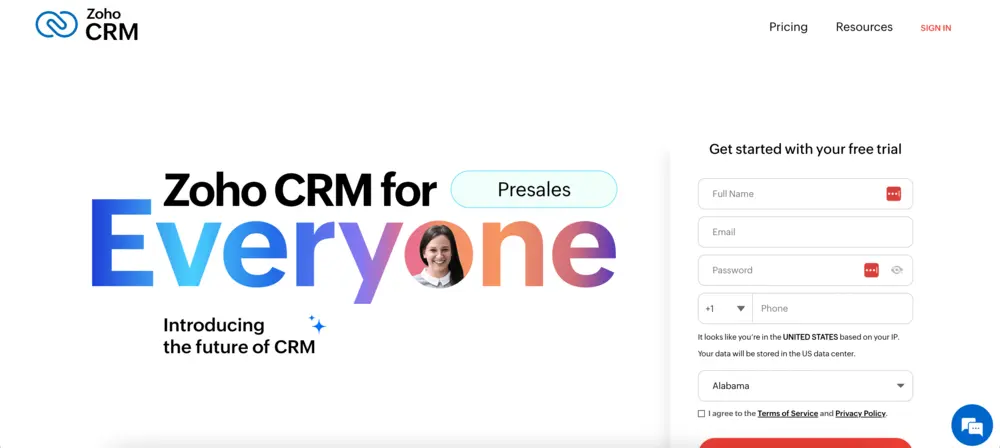
Zoho CRM is a robust, cloud-based CRM platform suitable for consultants and consulting firms of all sizes. It offers an extensive suite of features designed to automate sales processes, manage customer relationships, and streamline workflows.
Pros of Zoho CRM
- Affordable pricing with scalable plans for businesses of varying sizes
- Extensive automation capabilities to streamline sales and marketing processes
- Strong customization options for workflows, fields, and modules
- Integration with a broad ecosystem including email, social media, accounting, and project management tools
- Built-in AI features for sales predictions and email sentiment analysis
- Robust reporting and analytics for data-driven decision making
- Mobile app enabling access to CRM data anytime, anywhere
- User-friendly interface with regular updates and improvements
Cons of Zoho CRM
- Can be complex to implement
- UI is less intuitive for some users
- Support response times vary
- Custom setup may require technical skill
Best for: Consultants who need advanced features at an affordable price.
Salesforce CRM
Best enterprise CRM for large consulting firms
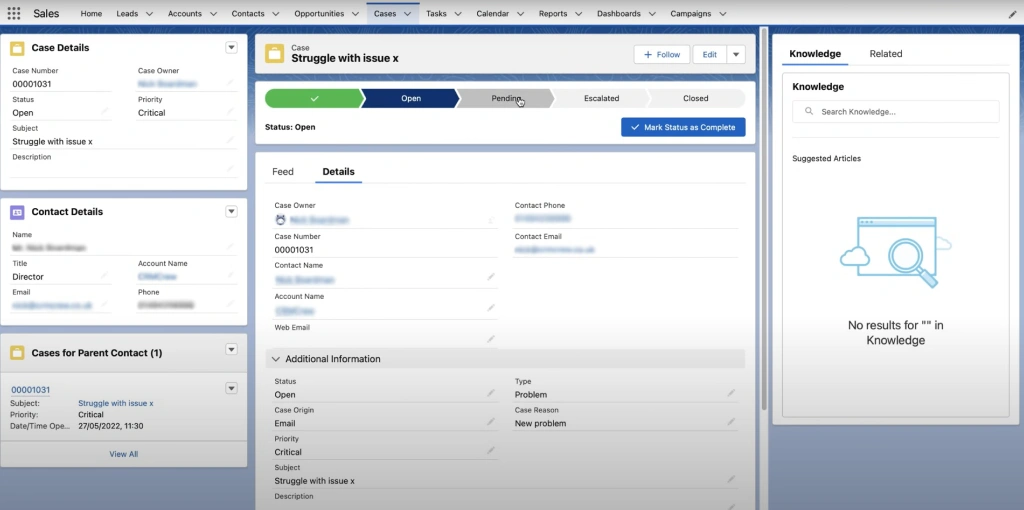
Salesforce is a leading, enterprise-grade CRM platform known for its extensive customization, scalability, and broad ecosystem of integrated tools. It is widely used by larger consulting firms and enterprises that require a highly flexible CRM capable of managing complex sales processes, marketing automation, and customer service operations.
Pros of Salesforce
- Highly customizable to fit complex and unique consulting workflows
- Comprehensive suite of sales, marketing, and service automation tools
- Robust analytics and AI-powered insights (Einstein Analytics)
- Extensive third-party integrations and marketplace of apps (AppExchange)
- Scalable and capable of supporting very large consulting teams and enterprises
- Strong security and compliance features suitable for regulated industries
- Cloud-based with mobile access and collaboration tools
Cons of Salesforce
- Expensive
- Requires trained administrators
- Overkill for small consulting businesses
- Complex implementation
Best for: Large consulting organizations with established processes and budgets.
Pipedrive CRM
Best simple CRM for small consulting firms
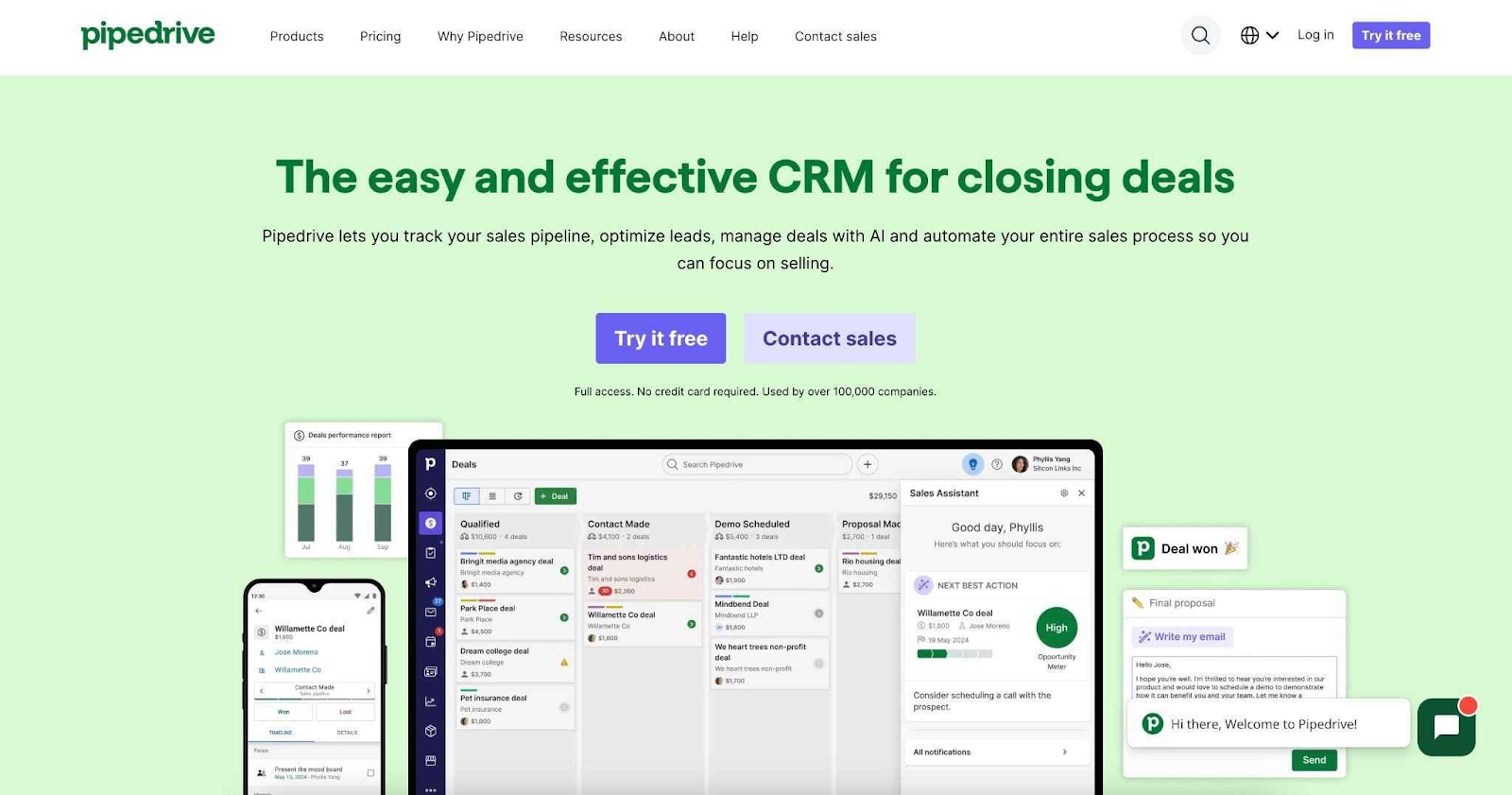
Pipedrive is a user-friendly, sales-focused CRM that is popular among consultants and small to mid-sized consulting firms for its simplicity and effectiveness in managing sales pipelines. It emphasizes ease of use and quick setup, enabling consultants to visualize their deals, automate routine sales tasks, and stay organized without unnecessary complexity.
Pros of Pipedrive
- Intuitive and easy-to-use interface ideal for consultants new to CRMs
- Clear visual sales pipeline with drag-and-drop deal management
- Automation features for follow-ups, email reminders, and task creation
- Good value for money with flexible pricing plans
- Integration with popular tools like email, calendar, and marketing platforms
- Mobile app providing access to CRM data on the go
- Effective lead and contact management with activity tracking
Cons of Pipedrive
- Lacks advanced project management
- Less customizable than other systems on the list
- Not ideal for complex workflows
- Limited reporting depth
Best for: Solo consultants or small firms needing a simple, effective sales CRM.
Comparable table of CRM for consulting firm
| CRM | Best for | Key Strengths | Main Limitations |
|---|---|---|---|
| NetHunt CRM | Gmail-centric consultants | Flexible pipelines and fields. Strong automations. Easy collaboration. | Limited outside Gmail ecosystem |
| Productive | Consulting agencies with projects | All-in-one CRM + project management, budgeting | Complex for small teams. Higher cost. |
| Monday.com | Teams needing sales + project mgmt | Highly customizable workflows, visual project tools | Less specialized CRM features. Can get pricey. |
| Zoho CRM | Scalable firms, affordable option | Extensive automation, good integrations, AI features | Setup and UI can be complex. |
| Salesforce | Large firms with complex processes | Powerful customization, AI analytics, integrations | Expensive. Requires admin expertise. |
| Pipedrive | Small/mid-sized firms, sales focus | Easy to use, visual pipeline, sales automation | Limited project management. Basic customization. |
How we evaluated the best CRM for consultants
These criteria ensure the CRM solutions recommended truly fit the unique workflows, business needs, and budgets of consultants in 2025, helping them grow and manage their client relationships efficiently:
- Designed or easily adaptable for service and project-based businesses
- Strong deal and project visibility including pipelines, stages, owners, and deadlines
- Integrated project and task management to organize deliverables, checklists, timelines, and ongoing client activities.
- Smooth team collaboration and handoffs with shared notes, task assignments, internal comments, and clear ownership at every stage.
- Seamless integrations with email and calendar platforms consultants use (Gmail, Outlook)
- Automation capabilities for reminders, emails, and customizable workflows
- Clear pricing models offering fair value specifically for solo consultants and small teams
- User-friendly interface allowing quick setup and adoption with minimal training
- Robust reporting and analytics to track sales performance and business metrics
- Mobile access supporting consultants working on-the-go
- Responsive customer support for onboarding and ongoing technical assistance
Why consultants need CRM software (and not just Spreadsheets)
Consultants often face challenges like managing multiple clients, projects, and stakeholders simultaneously, leading to scattered notes, missed follow-ups, and unclear pipeline and revenue visibility. While spreadsheets may seem like a simple starting point of a consulting business, they quickly create blind spots and inefficiency as workload and client volume grow.
A CRM system provides a centralized, scalable, and automated platform designed specifically to overcome these pain points, enabling better organization, collaboration, and predictability in business growth.
| Key Point | Spreadsheets | CRM Systems |
|---|---|---|
| Data Centralization | Scattered across multiple sheets, files, and tabs | All client and project data in one place |
| Pipeline Visibility | Limited, manual tracking | Real-time, visual sales pipeline tracking |
| Automation | Manual data entry and follow-ups to remember | Automated follow-ups, reminders, deadlines, tasks, and more |
| Collaboration | Limited, often single-user access | Multi-user collaboration + permissions |
| Reporting and Analytics | Manual, formula-based reports | Advanced, easy-to-access sales and client reports |
| Scalability | Prone to errors and complexity as data grows | Built to scale with your consulting practice |
| Customization | Limited to formulas | Fully customizable customer records and workflows |
| Mobile Access | Poor compatibility | Mobile-friendly apps for working on the go |
| Security | Basic spreadsheet security | Robust data protection and access controls |
What to avoid to choose the best CRM for consulting
- Over-engineered enterprise CRMsThese systems typically require dedicated administrators or developers for setup and maintenance, making them costly and complex for consultants without technical resources.
- Systems with hidden costsBeware of CRMs that appear affordable upfront but include expensive add-ons, mandatory extra modules, or require paid consultants for customization and onboarding.
- Tools you’ll never openCRMs with overly complex user interfaces, too many unnecessary fields, or cumbersome workflows discourage adoption and result in poor usage, wasting your investment.
FAQ
What CRM features are best for small consulting?
Consultants benefit most from CRM features that include:
- Customizable sales pipelines and project tracking
- Automation for follow-ups, emails, and task reminders
- Contact and client management with complete communication history
- Integration with email and calendar platforms like Gmail and Outlook
- Real-time reporting and analytics to monitor sales and business performance
- Mobile access for managing clients on-the-go
- Workflow customization to fit consulting-specific processes
- Collaboration tools for team communication and document sharing
- Built-in customer support and onboarding assistance
What is the best CRM system for consultants?
The best CRM for consultants balances ease of use, relevant consulting features, automation capabilities, and fair pricing for solo practitioners and small firms. Popular choices for 2025 include:
- NetHunt CRM (Gmail-centric simplicity)
- Productive (all-in-one agency management)
- Monday.com (flexible work and sales management)
- Zoho CRM (scalable and customizable)
- Salesforce (enterprise-level customization)
- Pipedrive (intuitive sales pipeline focus)
What is a CRM for consultants?
A CRM for consultants is a specialized customer relationship management system tailored to the unique workflows of consulting businesses. It helps manage leads, clients, projects, and communications in one centralized platform, enabling consultants to automate repetitive tasks, maintain clear visibility of sales pipelines and project statuses, personalize client interactions, and make data-driven decisions to grow their consulting practice.



 product experts — let's find the best setup for your team