











This guide covers the top folk CRM alternatives in 2026, evaluated across six criteria that matter most to teams evaluating alternatives: Gmail integration, pipeline management, reporting, automation, ease of use, and pricing value. We'll help you find the right CRM based on your specific workflow — not just a ranked list of popular names.
How we evaluated these CRM alternatives
Every tool on this list was assessed across six criteria directly tied to the most common folk pain points. These are the features that matter most when you're outgrowing a lightweight CRM:
| Criterion | Why it matters |
|---|---|
| Gmail & Google Workspace integration | Most folk users live in email — deep integration eliminates context-switching |
| Pipeline & deal management | Folk's biggest functional gap for growing sales teams |
| Reporting & analytics | Folk scores 4% positive reviews here; any alternative should do better |
| Automation depth | Sequences are a start — real automation means conditional logic and multi-step triggers |
| Ease of use | Folk set a high bar for simplicity; alternatives shouldn't feel like a step back |
| Pricing value | Fair cost relative to key features, especially for teams of 3–20 |
Top Folk CRM alternatives in 2026
1. NetHunt CRM — best CRM alternative for Gmail-first sales teams
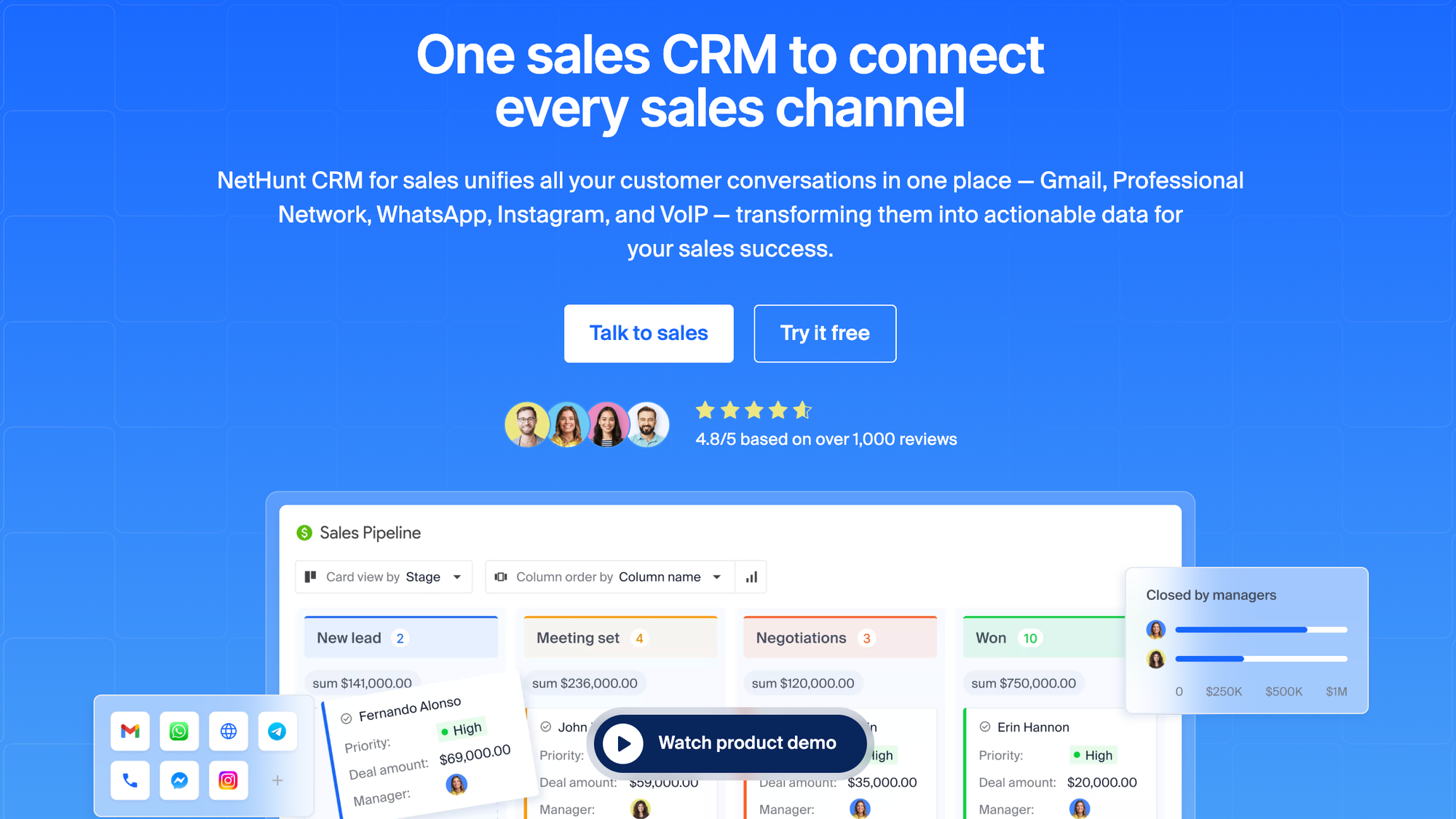
Best for: Small and mid-sized B2B teams that run their structured sales process entirely inside Gmail and Google Workspace.
If folk attracted you because it connects to your inbox, NetHunt CRM takes that idea much further. Rather than syncing with Gmail, NetHunt lives inside Gmail — every contact, deal, email thread, and pipeline stage is accessible directly from your Google inbox without switching tabs. For teams already deep in Google Workspace, the learning curve is close to zero.
Where folk keeps contact management and sales pipelines as separate concerns, NetHunt integrates them tightly. You can open an email from a prospect and see their full CRM record, deal stage, last activity, and any open tasks — all without leaving Gmail. LinkedIn contact capture, bulk email campaigns, and automated follow-up sequences are all built in.
The migration from folk takes under a day — export your folk contacts as a CSV, map the fields in NetHunt, and you're running. It's a sales CRM that works the way Gmail users already think.
Where it beats folk:
- Full Gmail and Google Workspace integration (not just sync — a native experience)
- Multi-channel communication hub (WhatsApp, Telegram, Instagram etc.)
- Multi-step automation with conditional triggers
- Better pricing for growing teams
- Customization and flexibility of records and folders
Where folk still wins:
- Folk's Chrome extension is slightly more polished for LinkedIn prospecting
- Folk's UI has a cleaner aesthetic for non-sales use cases like investor tracking
Pros:
- Zero context-switching for Gmail users
- Automated data capture from email threads — no manual data entry needed
- Scales from 2-person teams to 200+
Cons:
- Designed specifically for Google Workspace — not ideal for Outlook-first teams
- Less suited for personal CRM or non-sales relationship management
Pricing: Starts at $30/user/month (Basic). Free trial available.
Ratings:
| Criterion | Score |
|---|---|
| Gmail & Google Workspace integration | ⭐⭐⭐⭐⭐ 5/5 |
| Pipeline & deal management | ⭐⭐⭐⭐ 5/5 |
| Reporting & analytics | ⭐⭐⭐⭐ 4/5 |
| Automation depth | ⭐⭐⭐⭐ 4/5 |
| Ease of use | ⭐⭐⭐⭐⭐ 5/5 |
| Pricing value | ⭐⭐⭐⭐⭐ 5/5 |
| Overall | 4.6/5 |
What users says
I mainly use NetHunt CRM for managing leads, tracking customer communication, organizing sales pipelines, and handling follow-ups directly through Gmail. I like its seamless Gmail integration and user-friendly interface, which makes managing emails, leads, and follow-ups convenient without needing to switch between multiple tools. The pipeline tracking and automation features help save a lot of time for the sales team. The Gmail integration is especially valuable because I can manage customer conversations, update lead information, and track email history directly from the inbox. The automation features help by assigning tasks, sending follow-up reminders, and updating deal stages automatically, which saves time and reduces manual work. I also found the initial setup relatively easy thanks to the direct Gmail integration. Basic features like contact management, pipelines, and email tracking were quick to configure. Overall, these features improve productivity and help the team respond to customers more efficiently.
What do you dislike about NetHunt CRM?
One area that could be improved is the reporting and dashboard customization, as some advanced reports take time to configure. Occasionally, the platform can feel slightly slow when handling larger datasets or multiple workflows. More third-party integrations and simpler setup for advanced automation would also make the experience even better.
What problems is NetHunt CRM solving and how is that benefiting you?
I use NetHunt CRM to streamline lead management and customer communication directly through Gmail. It centralizes client information, reduces manual tracking, and helps ensure no follow-ups or sales opportunities are missed. This has improved team coordination and made our sales process more organized and efficient.
2. Attio — best folk alternative for data-driven teams
Best for: Scaling startups and data-driven teams that love folk's aesthetic but need significantly more power underneath.
Attio is the most popular modern alternative to folk, and consistently the first name folk users encounter when they start evaluating alternatives. It shares folk's modern, clean design philosophy but adds custom objects, real team collaboration, and proper reporting that folk simply can't match.
The core difference is the data model. Folk treats contacts as the center of everything. Attio lets you build custom objects — companies, deals, investors, candidates — and define relationships between them however your workflow actually works. For B2B teams with complex data structures, this flexibility is transformative.
Attio syncs your full email and calendar history automatically, so your team's relationship context is captured without manual entry. Reporting dashboards, pipeline analytics, and automation are all included and meaningfully better than folk's offerings. Compared to folk, Attio scores 38% positive automation reviews versus folk's 16%, and 17% on AI features versus folk's 10%.
The trade-off is setup time. Attio's flexibility means there's more to configure upfront. Teams who want to be running in an hour may find it overwhelming at first — but those willing to invest a day or two get a customizable CRM that genuinely adapts to them.
Where it beats folk:
- Custom objects and highly flexible data architecture
- Real team collaboration with permissions and shared views
- Deeper automation (38% positive reviews vs. folk's 16%)
- Proper reporting dashboards
- Scales to thousands of contacts without performance issues
Where folk still wins:
- Folk's Chrome extension is faster for adding LinkedIn contacts
- Attio has no Chrome extension yet — a meaningful gap for prospectors
- Simpler to get started for individuals
Pros:
- Modern UI that matches folk's design sensibility
- Automatic email and calendar sync
- Highly customizable without requiring engineering resources
Cons:
- No Chrome extension or browser extension
- Higher learning curve than folk
- More setup investment required upfront
Pricing: Starts at $29/user/month. Free tier available (limited).
Ratings:
| Criterion | Score |
|---|---|
| Gmail & Google Workspace integration | ⭐⭐⭐ 3/5 |
| Pipeline & deal management | ⭐⭐⭐⭐ 4/5 |
| Reporting & analytics | ⭐⭐⭐⭐ 4/5 |
| Automation depth | ⭐⭐⭐⭐ 4/5 |
| Ease of use | ⭐⭐⭐ 3/5 |
| Pricing value | ⭐⭐⭐⭐ 4/5 |
| Overall | 3.7/5 |
What users say
Attio makes it easy to see where leads are in our sales process, and it also helps me understand where they came from by using the drag and drop tagging feature.
What do you dislike about Attio?
Sometimes it can be challenging to see the date in which our lead came in. This can make it hard to determine ROI across multiple months.
What problems is Attio solving and how is that benefiting you?
Attio is helping myself and my team collaborate more effectively. Support is also very helpful when we come across any issues or gaps we want to fill. The performance of the product is reliable, I've never ran into any issues where it was down or not working. The AI portion of the product has provided us with valuable ROI, cutting down on the time it takes our team to analyze the sales funnel. The product also has multiple integrations that make it easy to track sales calls from multiple places.
3. Copper — best CRM integration for Google Workspace teams

Best for: Agencies, consultancies, and teams whose entire workflow lives inside Gmail and Google Calendar.
Copper is the only CRM on this list built specifically and exclusively for Google Workspace. If your team lives in Gmail, Copper is the least disruptive migration you can make — it sits directly inside your inbox, auto-captures contact data from email threads, and surfaces deal context without ever opening a new tab.
Where folk syncs with Gmail, Copper is architected around it. Contacts are auto-created from emails you exchange, deals are managed from a sidebar that opens inside Gmail, and every interaction is logged automatically. For teams suffering from tool fatigue, this matters a lot.
Copper also covers the gaps folk leaves open: it has a solid mobile app, better visual pipeline management and reporting that gives you actual insight into your sales process. You can also add custom fields and configure deal stages without any technical setup.
The catch: if your team doesn't use Google Workspace, Copper simply won't work for you. It's not a limitation to work around — it's a fundamental design constraint.
Where it beats folk:
- Native Gmail sidebar experience (not just a sync — it's built in)
- Automatic contact and interaction capture — zero manual data entry
- Mobile app for iOS and Android
- Kanban pipeline with visual deal stages
- Better reporting than folk
Where folk still wins:
- Folk works across email platforms (Gmail and Outlook)
- Folk's LinkedIn integration is more capable for prospecting
- Folk handles non-sales relationship management better
Pros:
- Feels like a natural extension of Gmail
- Near-zero learning curve for Google Workspace users
- Strong project management features post-deal
Cons:
- Useless if you don't use Google Workspace
- Limited enrichment compared to folk
- Fewer customization options overall
Pricing: Starts at $12/user/month (Starter). 14-day free trial.
Ratings:
| Criterion | Score |
|---|---|
| Gmail & Google Workspace integration | ⭐⭐⭐⭐⭐ 5/5 |
| Pipeline & deal management | ⭐⭐⭐⭐ 4/5 |
| Reporting & analytics | ⭐⭐⭐ 3/5 |
| Automation depth | ⭐⭐⭐ 3/5 |
| Ease of use | ⭐⭐⭐⭐⭐ 5/5 |
| Pricing value | ⭐⭐⭐⭐⭐ 5/5 |
| Overall | 4.2/5 |
What users say
Copper's tight integration with my Google Workspace is the biggest strength. It easily integrates with the Google Calendar and Google Drive, which makes my contact management easier. Managing the pipeline and deals are bit clean and easier. It highly reduces the manual effort.
What do you dislike about Copper?
Certain advanced reporting and customisation features are bit limited, compared to other larger enterprise CRMs. With the available features, pricing is also a bit higher on the scale.
What problems is Copper solving and how is that benefiting you?
It solves the problem of fragmenting sales data spread across in different deals, and automates the manual efforts done, which is very neat and clean. Their integration with the google addons are very beneficial. Overall the CRM is very clean and neat and engaging.
4. Pipedrive — best CRM for sales pipeline management
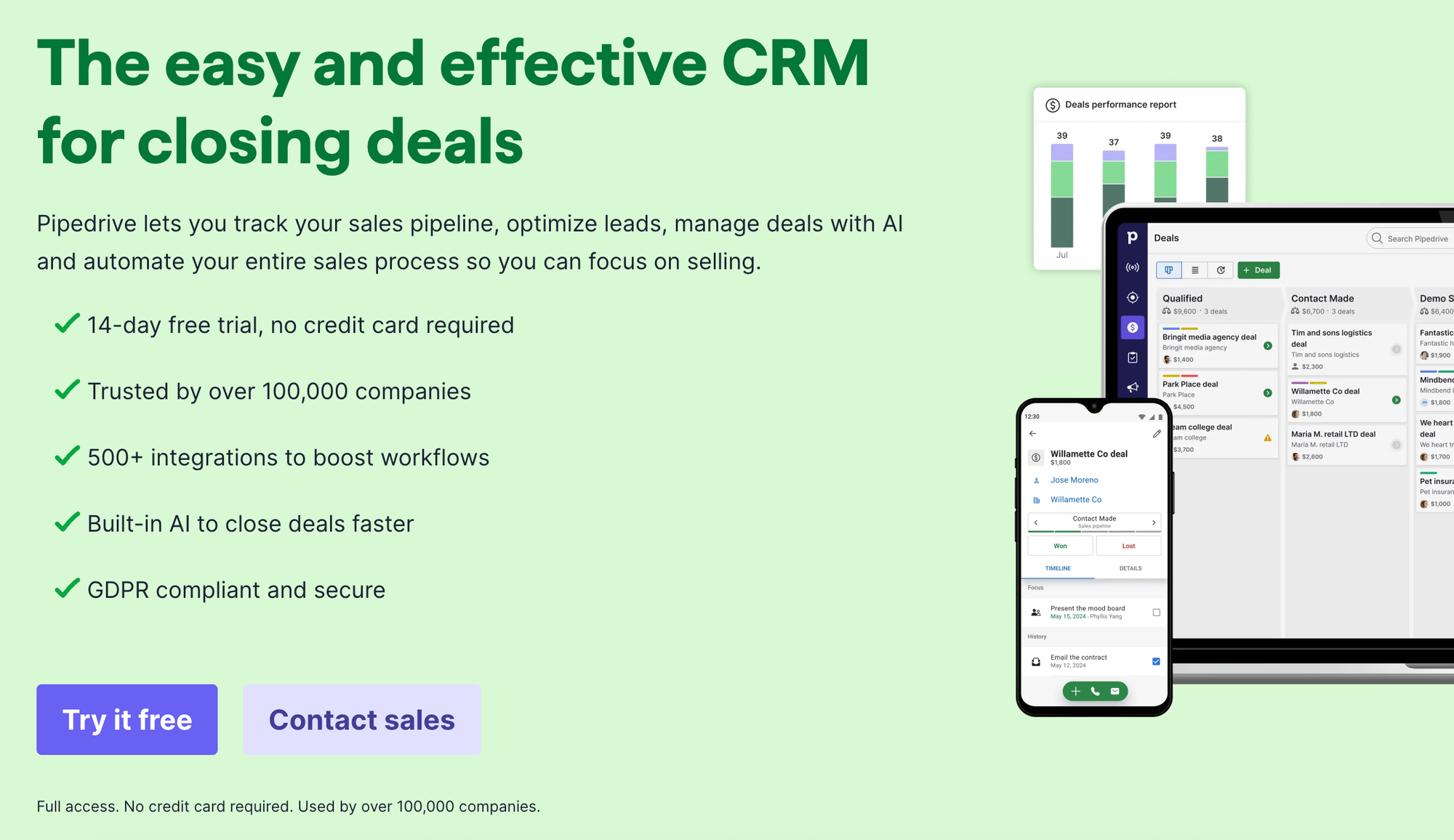
Best for: Sales-focused teams of 5–50 that need clear pipeline visibility, deal forecasting, and activity-based selling discipline.
Pipedrive is where folk users land when their primary pain point is sales pipeline management. With over 100,000 companies using it, Pipedrive has earned its reputation as the best CRM for teams that want to build a structured sales process without the complexity of Salesforce or HubSpot.
Folk vs Pipedrive is one of the most common comparisons folk users make — and the answer usually comes down to sales focus. The core Pipedrive experience is a drag-and-drop Kanban pipeline where every deal has a clear next step. 48% of Pipedrive reviewers highlight ease of use — almost the same as folk — which means teams rarely need significant onboarding investment.
The reporting capabilities are meaningfully better than folk's (18% positive reviews vs. folk's 4%), workflow automation handles email sequences and deal stage updates, and reminder features keep follow-ups from falling through the cracks. With 400+ native integrations, Pipedrive also solves folk's integration problem completely.
Pipedrive does have a notable gap coming from folk: data enrichment is essentially absent (2% positive reviews). If you relied on folk's LinkedIn enrichment to auto-fill contact profiles, you'll need to pair Pipedrive with a separate enrichment tool.
Where it beats folk:
- Visual drag-and-drop pipeline is best-in-class
- Forecasting and revenue reporting
- 400+ native integrations vs. folk's 4
- Activity-based selling with automated reminders
- Mobile app included
Where folk still wins:
- Folk's enrichment is ahead here
- Folk's contact management is more relationship-focused
- Folk is better for non-sales workflows like recruiting or partnerships
Pros:
- Intuitive pipeline that's easy for any sales team to adopt
- Strong automation for email and deal management
- Transparent, predictable pricing
Cons:
- No enrichment built in
- Contact management is deal-centric, not relationship-centric
- Can feel rigid for flexible workflows
Pricing: Starts at $14/user/month (Essential). 14-day free trial.
Ratings:
| Criterion | Score |
|---|---|
| Gmail & Google Workspace integration | ⭐⭐⭐ 3/5 |
| Pipeline & deal management | ⭐⭐⭐⭐⭐ 5/5 |
| Reporting & analytics | ⭐⭐⭐⭐ 4/5 |
| Automation depth | ⭐⭐⭐⭐ 4/5 |
| Ease of use | ⭐⭐⭐⭐⭐ 5/5 |
| Pricing value | ⭐⭐⭐⭐⭐ 5/5 |
| Overall | 4.3/5 |
What users say
The simple user interaface and the drag and drop nature of being able to move things from 1 pipeline to another.
The performance of the software and how quickly automations can be kicked off to make life easier for the user.
I have not yet tried some of the more advanced integrations; but I can say that the simple Outlook and calendar ones are working very well. The pricing is very much on par if not better than the competitor sites and I think the incentives to get discounts as well as starting small with the "starter packages" works really well.
The AI report generator works nicely to get you out of the blocks as well.
What do you dislike about Pipedrive?
Some of the reports can be restrictive and there is a bit of additional customisation that would make it phenomenal.
What problems is Pipedrive solving and how is that benefiting you?
Sales order; tracking and understanding our pipeline and how much cover we have; as well as how many of our sales people are shooting the lights out and how many are not.
5. HubSpot — best CRM for teams that want to scale everything
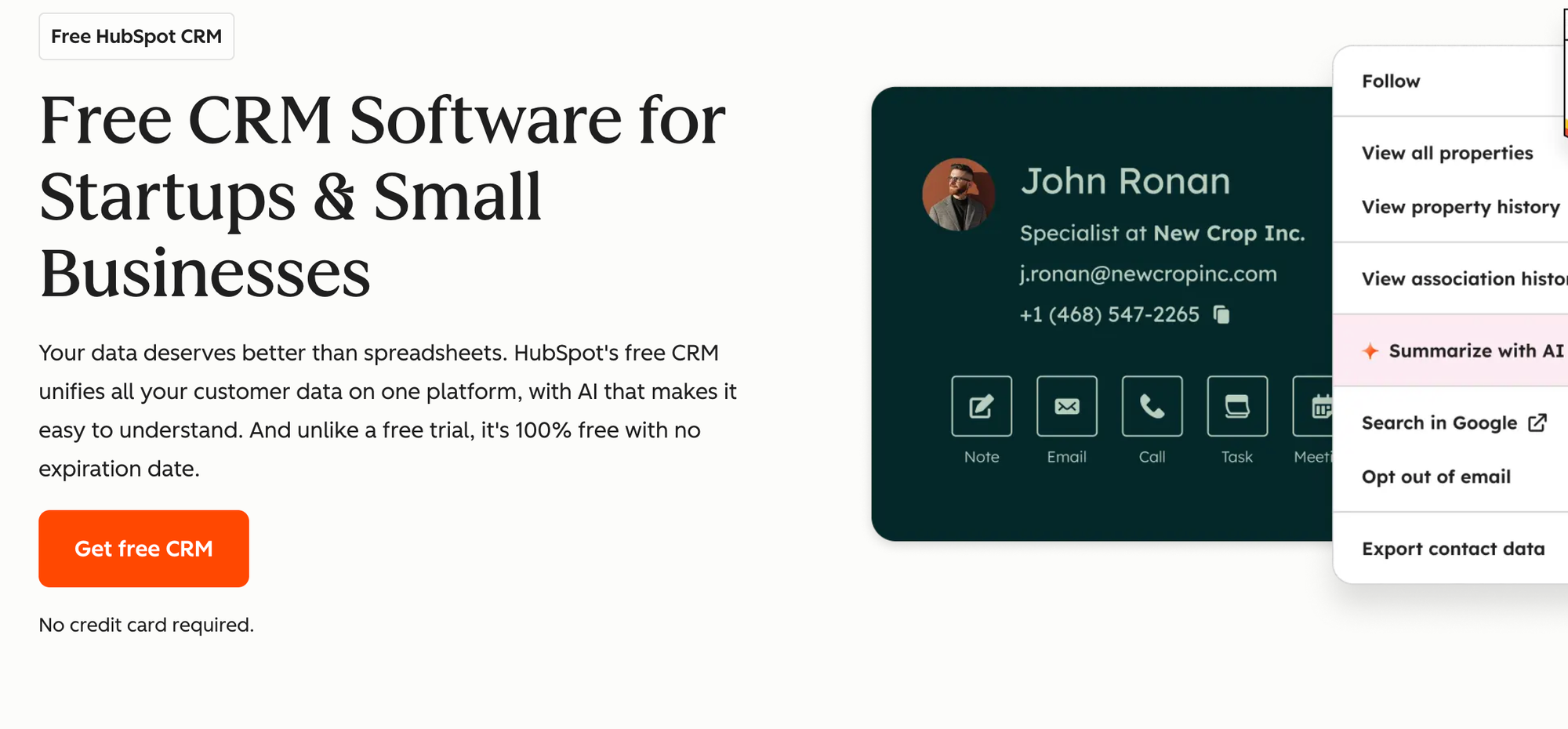
Best for: Growing companies that want sales, marketing, and customer service in one place and are willing to invest in a platform they won't outgrow.
HubSpot is the most complete platform on this list — and that's both its strength and its complexity. Where folk is a lightweight CRM that does one thing simply, HubSpot does everything: CRM, email marketing, landing pages, customer support ticketing, reporting, and more, all connected. It's the HubSpot CRM alternative comparison that actually goes both ways — plenty of people switch to HubSpot from folk, but some teams find it more than they need.
For small teams, the free CRM tier is genuinely useful — unlimited users, up to 1,000,000 contacts, and core pipeline features at no cost. The problem is that the features that make HubSpot worth choosing — advanced automation, sequences, deeper integrations, AI-powered tools — sit behind paid hubs that get expensive quickly once discounts expire.
Teams coming from folk will find HubSpot's contact management and pipeline significantly more capable. The reporting suite is excellent. The automation depth is real. The use cases HubSpot covers grow with you from 5 people to 500.
Where it beats folk:
- Complete marketing + sales + service platform in one place
- Free CRM covers basic needs well
- Best-in-class integration ecosystem (1,000+ native apps)
- Strong reporting across the entire customer lifecycle
- AI-powered features built into the platform
Where folk still wins:
- Folk is dramatically simpler to set up and use daily
- Folk is better value for pure contact and relationship management
- Folk doesn't overwhelm small teams with features they'll never use
Pros:
- One platform for the entire customer lifecycle
- Free CRM tier is genuinely useful as a starting point
- Scales from 2 people to 2,000
Cons:
- Gets expensive fast once you need paid features
- Overwhelming for teams that just want a contact manager
- Sales and marketing hubs sold separately add up quickly
Pricing: Free CRM available. Paid plans from $15/user/month (Sales Hub Starter).
Ratings:
| Criterion | Score |
|---|---|
| Gmail & Google Workspace integration | ⭐⭐⭐⭐ 4/5 |
| Pipeline & deal management | ⭐⭐⭐⭐⭐ 5/5 |
| Reporting & analytics | ⭐⭐⭐⭐⭐ 5/5 |
| Automation depth | ⭐⭐⭐⭐⭐ 5/5 |
| Ease of use | ⭐⭐⭐ 3/5 |
| Pricing value | ⭐⭐⭐ 3/5 |
| Overall | 4.2/5 |
6. Salesflare — best for B2B teams that want a CRM that fills itself in
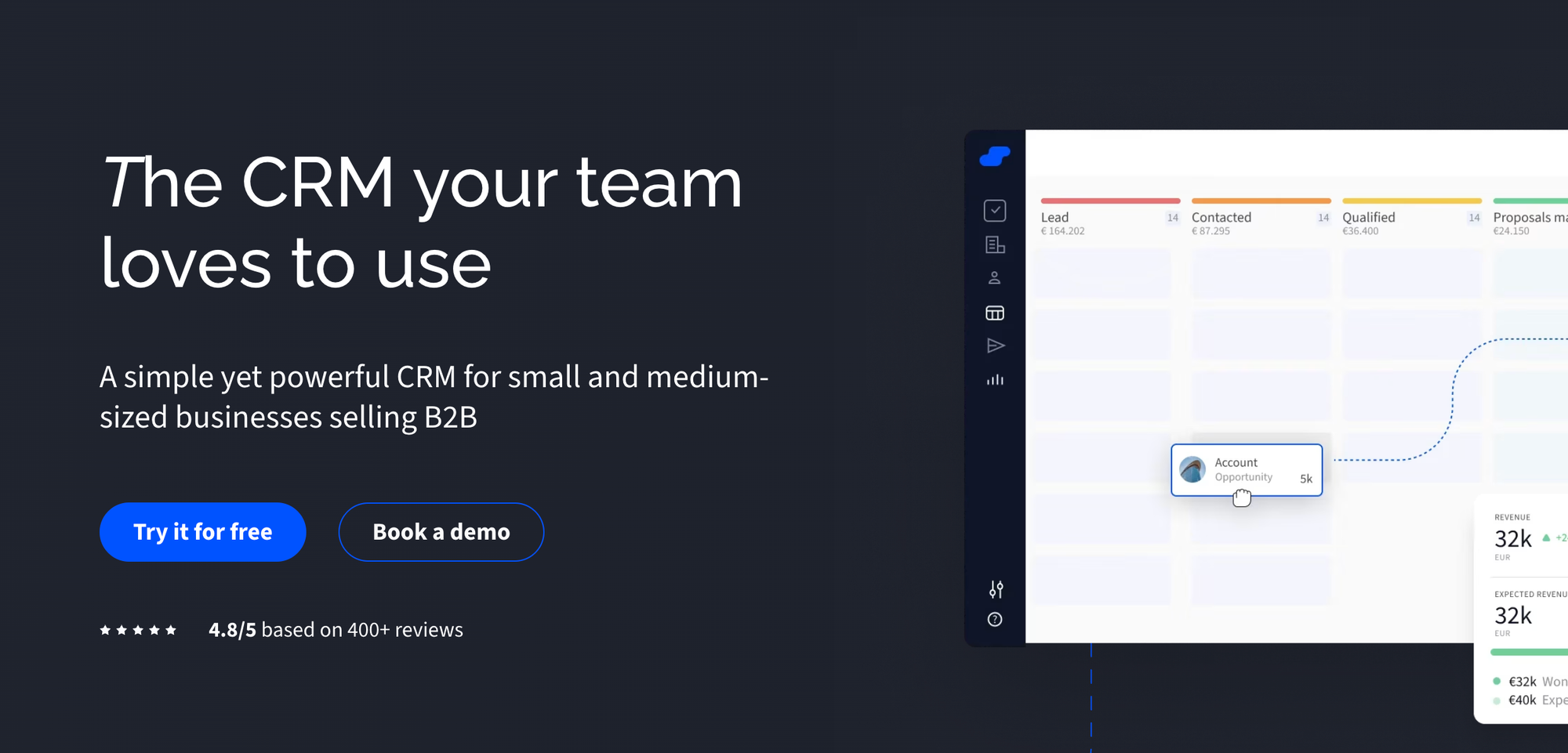
Best for: B2B founders and small sales teams who want folk-style minimal data entry but with deeper automation and stronger pipeline tracking.
Salesflare is the closest philosophical match to folk on this list. Both tools are built around the same core idea: your CRM should populate itself so you can focus on relationships, not admin. Where folk achieves this through LinkedIn enrichment, Salesflare does it through automated data capture from email signatures, calendars, social media profiles, and company databases — essentially zero manual data entry.
The key difference is what happens after contact enrichment. Folk offers enrichment but stops at knowing who someone is. Salesflare adds automated follow-up reminders, email sequences, and deal stage updates that keep your sales pipeline moving without manual input. Automate your follow-up workflow once and the CRM manages itself.
Automation is where Salesflare genuinely shines — 75% positive reviews, the highest of any tool in this analysis and more than four times folk's rate. Reporting is Salesflare's weakest area (38% of reviewers flag it as a pain point), so teams that need deep analytics may want to look at Pipedrive or HubSpot. But for B2B teams of 2–10 that live and die by follow-ups, Salesflare fixes exactly what folk leaves broken.
Where it beats folk:
- Automated data capture from email, calendar, and LinkedIn — no manual entry
- Workflow automation (75% positive reviews vs. folk's 16%)
- Email sequences with automated follow-up triggers
- Pipeline tracking with deal stage automation
- Mobile app included
Where folk still wins:
- Folk's UI is more polished and aesthetically refined
- Folk handles non-sales relationship types better
- Folk's LinkedIn Chrome extension is more robust for prospecting
Pros:
- A sales CRM that largely maintains itself
- Strong automated follow-up and reminder system
- Designed specifically for B2B small teams
Cons:
- Reporting is a known weakness
- Smaller user community than Pipedrive or HubSpot
- UI feels less refined than folk or Attio
Pricing: Starts at $29/user/month (Growth). 30-day free trial.
Ratings:
| Criterion | Score |
|---|---|
| Gmail & Google Workspace integration | ⭐⭐⭐⭐ 4/5 |
| Pipeline & deal management | ⭐⭐⭐⭐ 4/5 |
| Reporting & analytics | ⭐⭐⭐ 3/5 |
| Automation depth | ⭐⭐⭐⭐⭐ 5/5 |
| Ease of use | ⭐⭐⭐⭐ 4/5 |
| Pricing value | ⭐⭐⭐⭐ 4/5 |
| Overall | 4.0/5 |
What users say
I love how Salesflare helps me with the coordination and filtering of my tasks. The flexibility it offers with customized tags is really beneficial, allowing me to customize accounts and opportunities efficiently. I also appreciate being able to use workflows to follow up properly with the right information. Additionally, the initial setup was really easy, and their customer support was extremely helpful.
What do you dislike about Salesflare?
I wish there was a universal search field.
What problems is Salesflare solving and how is that benefiting you?
Salesflare neatly organizes my accounts and contacts, helping with follow-ups and next steps. The ability to customize accounts and opportunities, and use workflows ensures I follow up with the right information.
7. Capsule CRM — best for small teams that want simplicity above all
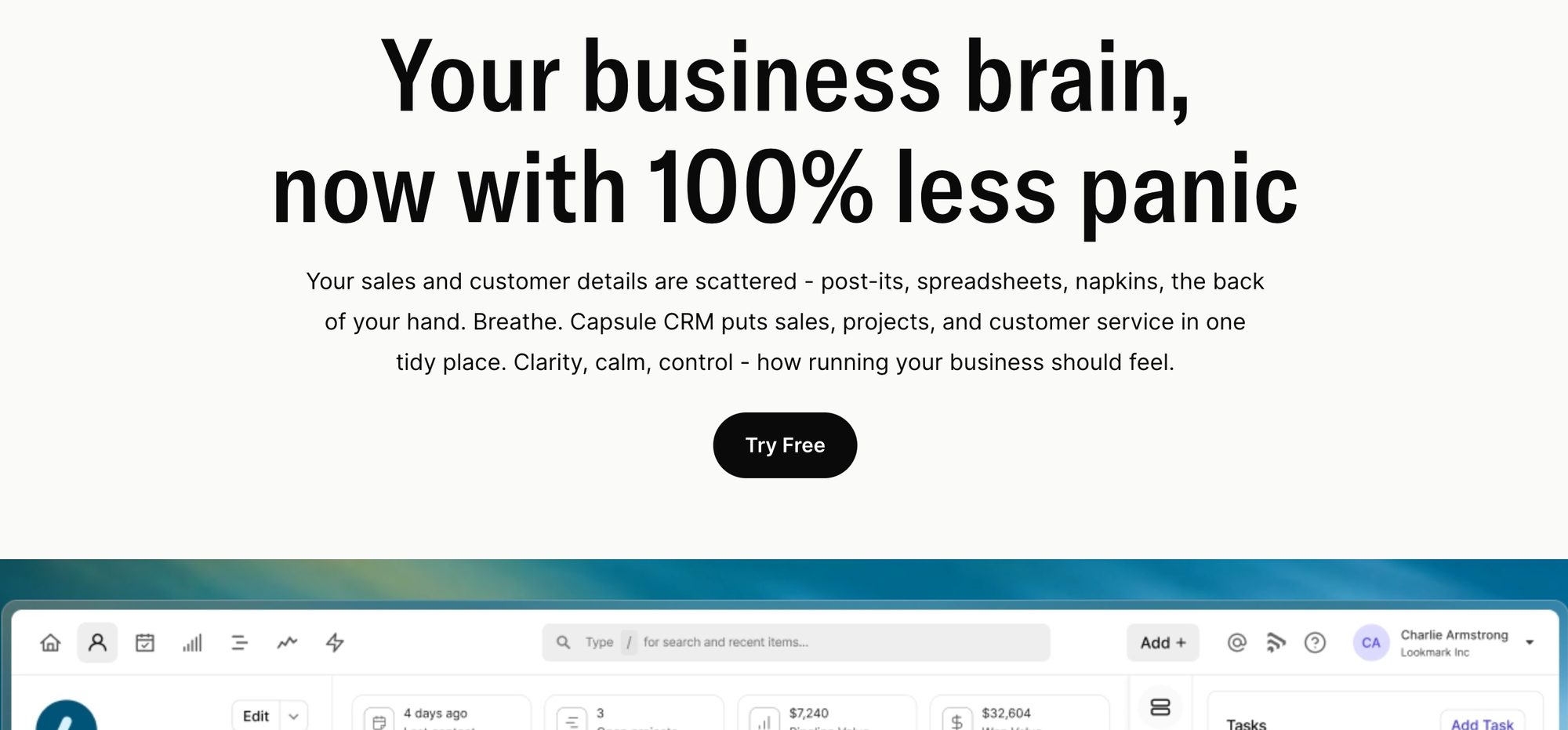
Best for: Small teams that want something even simpler than folk, with a free plan and a clean mobile experience.
If folk's appeal was simplicity, Capsule doubles down on it. With a 63% ease-of-use positive review rate — the highest of any CRM in our analysis — Capsule is what teams choose when they want a shared contact manager that just works. No setup friction, no configuration overhead, no unexpected complexity.
Capsule covers the contact management and basic pipeline tracking that folk does, but adds a genuinely good mobile app, solid pipeline views with milestone tracking, and better native integrations with tools like QuickBooks, Mailchimp, and Xero. The platform handles clean contact and company management without technical help, and the team collaboration features are solid enough that a group of contacts stays organized across multiple users.
The obvious limitation is ceiling. Capsule intentionally avoids complex automation, AI features, and advanced reporting. Small teams that want a simple, clean contact and company management tool with a mobile app and predictable pricing — Capsule covers the basics well. Teams whose needs get more complex will eventually outgrow it.
Where it beats folk:
- Mobile app (iOS and Android — folk has none)
- Free plan available for up to 2 users
- Better native integrations without needing Zapier
- Stronger collaboration for small teams that manage contacts together
- Pipeline with milestone-based tracking
Where folk still wins:
- Folk's enrichment is far ahead of Capsule (41% vs. 1%)
- Folk handles LinkedIn contact capture much better
- Folk's bulk email and sequence features are more capable
Pros:
- Easiest CRM on this list to start using immediately
- Clean mobile experience
- Predictable, affordable pricing
Cons:
- No meaningful enrichment
- Minimal automation
- Will be outgrown by teams with complex sales processes
Pricing: Free plan (up to 2 users). Paid plans from $18/user/month (Starter). 14-day free trial.
Ratings:
| Criterion | Score |
|---|---|
| Gmail & Google Workspace integration | ⭐⭐⭐⭐ 4/5 |
| Pipeline & deal management | ⭐⭐⭐⭐ 4/5 |
| Reporting & analytics | ⭐⭐⭐ 3/5 |
| Automation depth | ⭐⭐ 2/5 |
| Ease of use | ⭐⭐⭐⭐⭐ 5/5 |
| Pricing value | ⭐⭐⭐⭐⭐ 5/5 |
| Overall | 3.8/5 |
What users say
Capsule CRM is a great tool for any business. It’s easy to navigate and works exactly as a business needs. It’s very user-friendly, and the information is easy to read and understand, whether you’re at a junior level or senior level.
What do you dislike about Capsule CRM?
I don’t seem to have any problems with Capsule, as it works for me exactly as I need it to. If I had to pick one thing, I’d say it could use a visual update.
What problems is Capsule CRM solving and how is that benefiting you?
It really helps with my everyday work life by keeping my entire sales pipeline in one place. I’m able to track each stage of the pipeline, create reports, and easily monitor the financial side — like how my budget for the year is tracking against my projections, and whether I need to do more to hit my sales goals.
8. Close — best for inside sales teams that live on the phone

Best for: Inside sales teams whose primary workflow is calling, emailing, and following up with a structured list of prospects.
Close is the most specialized CRM tool on this list — and that specialization is its greatest strength. It's built for inside sales teams that spend most of their day on the phone, and it shows: 46% of reviewers highlight calling capabilities, the highest rate of any CRM analyzed. A built-in power dialer, SMS, call recording, and email sequences all live in one interface, eliminating the need for separate sales engagement tools.
For teams coming from folk, the shift is significant. Close assumes you're running a structured sales process and makes that process faster. Enrichment is essentially absent (2% positive reviews), so you won't get folk-style LinkedIn auto-fill. But if you already know who you're selling to and need to reach them more efficiently, Close is a strong choice.
Close also covers the folk gaps that matter most for active sales: mobile app, pipeline tracking, and timely follow-ups. The minimum seat requirements and VoIP lock-in are real constraints for smaller or more flexible teams, but for inside sales operations of 5–30 reps, Close is purpose-built.
Where it beats folk:
- Built-in power dialer and SMS — no third-party tool needed
- Call recording and activity logging automatic
- Email sequences with real automation
- Pipeline tracking with deal management and reminders
- Mobile app
Where folk still wins:
- Folk is better for relationship-focused workflows beyond structured pipelines
- Folk's contact management and enrichment are far ahead
- Folk works for individuals and non-sales use cases
Pros:
- Calling + CRM in one platform eliminates tool-switching
- One of the highest-rated for ease of use in its category
- Strong automation for call-heavy workflows
Cons:
- No meaningful data enrichment tool built in
- VoIP lock-in — can't use third-party calling tools alongside it
- Not designed for relationship management outside structured sales
Pricing: Starts at $49/user/month (Startup). 14-day free trial.
Ratings:
| Criterion | Score |
|---|---|
| Gmail & Google Workspace integration | ⭐⭐⭐ 3/5 |
| Pipeline & deal management | ⭐⭐⭐⭐ 4/5 |
| Reporting & analytics | ⭐⭐⭐ 3/5 |
| Automation depth | ⭐⭐⭐⭐ 4/5 |
| Ease of use | ⭐⭐⭐⭐ 4/5 |
| Pricing value | ⭐⭐⭐ 3/5 |
| Overall | 3.5/5 |
What users say
I use Close for everything sales related and it gives me visibility and clarity in my sales pipeline. I appreciate having a centralized place for all my leads with a clear view of every contact's history and actions taken. The transition from tools like HubSpot, which felt clunky and heavy, to Close has been refreshing as it provides an immediate and actionable view of each lead.
I find it the best CRM for cold outreach en masse and lead generation. I really like the view and design of the tool; it feels very light to use. It's also very responsive and has tons of integrations. I love how it makes the brain fog of a heavy tool disappear and saves so much time navigating. I also found the initial setup of Close to be easy, definitely worthy of 5 stars.
What do you dislike about Close?
I'd say the reporting section would be more complex to be able to reflect more ratios. Sales ratios per say, it feels a bit limited currently.
What problems is Close solving and how is that benefiting you?
Close gives me visibility and clarity in my sales pipeline, centralizes leads, and provides an actionable view on each contact. It feels light, responsive, and reduces navigation time, making it the best CRM for cold outreach and lead generation.
9. Streak — best for individuals who want a CRM inside Gmail
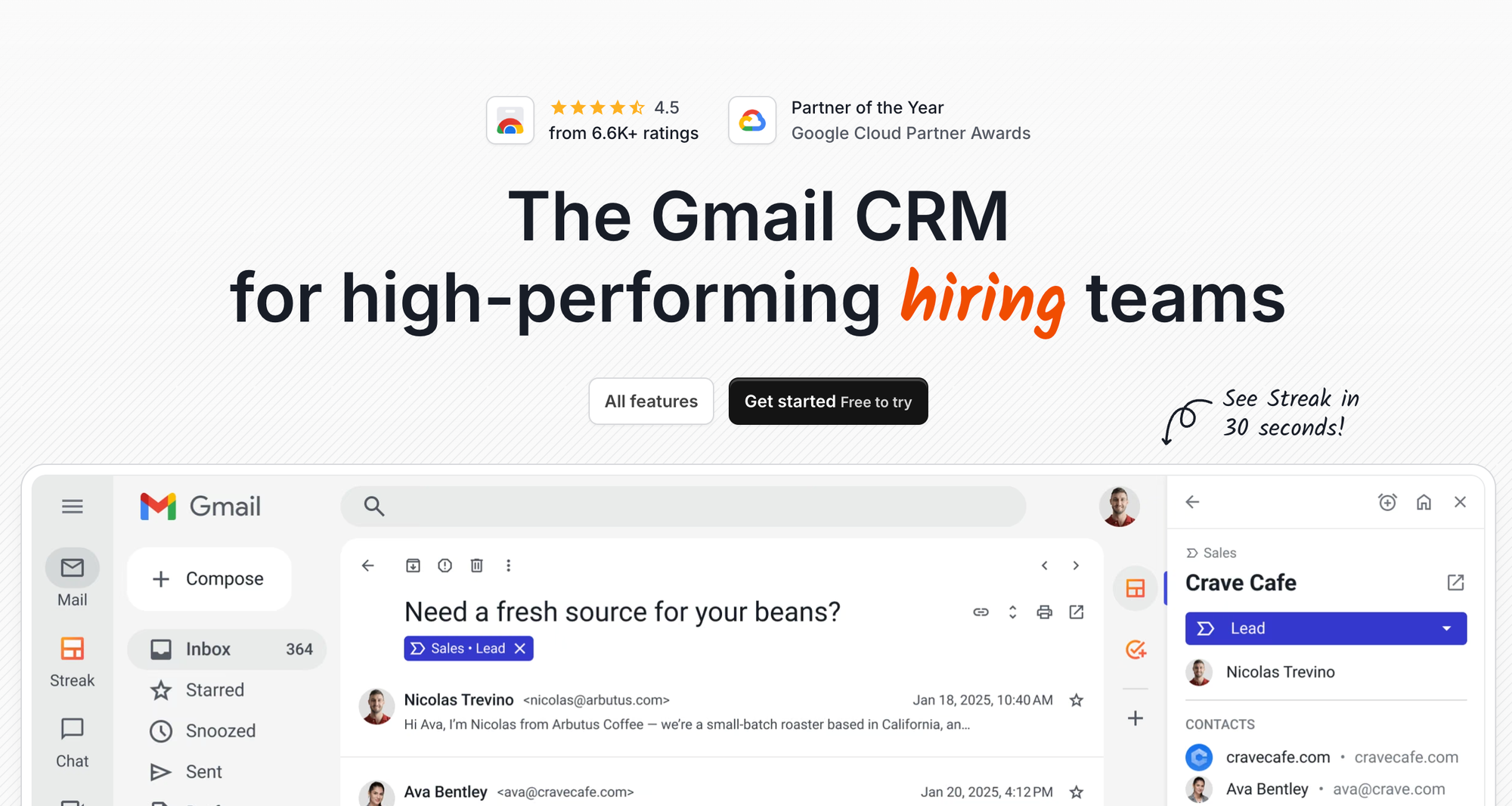
Best for: Solo operators and very small teams who want a lightweight CRM that lives entirely inside their Gmail inbox.
Streak is the tool for people who loved folk's Gmail connection but wish the CRM went deeper into the inbox itself. Where NetHunt and Copper offer full CRM features inside Gmail, Streak takes a lighter approach — it adds colored pipeline columns alongside your email threads, turning Gmail itself into a deal board without opening a separate app. Think of it like folk, but with even less friction for pure Gmail users.
For individuals managing a handful of relationships, Streak is elegant. The free plan covers basic pipeline management, email tracking with open and read notifications, and mail merge for sending personalized messages to a group of contacts — more than enough for a solo founder or freelancer. Setup takes about 15 minutes. Unlike folk, Streak has API access on paid plans for teams that want to connect it to other tools.
The limitations become clear as team size grows. Streak can make Gmail feel slow with large contact volumes, collaboration features are limited, and reporting and analytics are minimal. But as a CRM tool for individuals who want the next step after spreadsheets — Streak is genuinely good.
Where it beats folk:
- Lives entirely inside Gmail — zero context-switching
- Free plan with real, usable functionality
- Email tracking (open/read notifications) built in
- Mail merge for sending to a group of contacts directly from Gmail
- Near-instant setup
Where folk still wins:
- Folk handles team collaboration much better
- Folk's contact enrichment is more capable
- Folk scales better past individual use
- Folk is more purpose-built as a CRM for growing teams
Pros:
- No learning curve for Gmail users
- Free plan is actually useful
- Email tracking adds immediate value
Cons:
- Can slow down Gmail with heavy usage
- Not suitable for teams larger than 3–4
- Minimal reporting and analytics
Pricing: Free plan available. Paid plans from $15/user/month (Solo). 14-day free trial.
Ratings:
| Criterion | Score |
|---|---|
| Gmail & Google Workspace integration | ⭐⭐⭐⭐⭐ 5/5 |
| Pipeline & deal management | ⭐⭐⭐ 3/5 |
| Reporting & analytics | ⭐⭐ 2/5 |
| Automation depth | ⭐⭐ 2/5 |
| Ease of use | ⭐⭐⭐⭐⭐ 5/5 |
| Pricing value | ⭐⭐⭐⭐⭐ 5/5 |
| Overall | 3.7/5 |
What users say
I have been using streak for a long time now and it has made email tracking very easy for us. With the way it gets intergrated with Gmail it helps us track and view all emails sent to Clients and candidates. In this way we get to know when the email has been viewed and not and accordingly plan the next step. We have been using streak daily. Whenever faced any issue, the support team has always been very helpful. The implementation was really quick and easy.
What do you dislike about Streak?
Nothing as of now. I really enjoy using streak and it is very helpful.
What problems is Streak solving and how is that benefiting you?
Streak helps us track all emails and with that we know when are emails are viewed and not and accordingly we know if we have to top it up or using a different method to reach out to clients.
CRM vs CRM: full comparison table
| CRM | Gmail Integration | Pipeline | Reporting | Automation | Ease of Use | Pricing Value | Overall |
|---|---|---|---|---|---|---|---|
| NetHunt CRM | ⭐⭐⭐⭐⭐ | ⭐⭐⭐⭐ | ⭐⭐⭐⭐ | ⭐⭐⭐⭐ | ⭐⭐⭐⭐⭐ | ⭐⭐⭐⭐⭐ | 4.5 |
| Pipedrive | ⭐⭐⭐ | ⭐⭐⭐⭐⭐ | ⭐⭐⭐⭐ | ⭐⭐⭐⭐ | ⭐⭐⭐⭐⭐ | ⭐⭐⭐⭐⭐ | 4.3 |
| Copper | ⭐⭐⭐⭐⭐ | ⭐⭐⭐⭐ | ⭐⭐⭐ | ⭐⭐⭐ | ⭐⭐⭐⭐⭐ | ⭐⭐⭐⭐⭐ | 4.2 |
| HubSpot | ⭐⭐⭐⭐ | ⭐⭐⭐⭐⭐ | ⭐⭐⭐⭐⭐ | ⭐⭐⭐⭐⭐ | ⭐⭐⭐ | ⭐⭐⭐ | 4.2 |
| Salesflare | ⭐⭐⭐⭐ | ⭐⭐⭐⭐ | ⭐⭐⭐ | ⭐⭐⭐⭐⭐ | ⭐⭐⭐⭐ | ⭐⭐⭐⭐ | 4.0 |
| Capsule CRM | ⭐⭐⭐⭐ | ⭐⭐⭐⭐ | ⭐⭐⭐ | ⭐⭐ | ⭐⭐⭐⭐⭐ | ⭐⭐⭐⭐⭐ | 3.8 |
| Attio | ⭐⭐⭐ | ⭐⭐⭐⭐ | ⭐⭐⭐⭐ | ⭐⭐⭐⭐ | ⭐⭐⭐ | ⭐⭐⭐⭐ | 3.7 |
| Streak | ⭐⭐⭐⭐⭐ | ⭐⭐⭐ | ⭐⭐ | ⭐⭐ | ⭐⭐⭐⭐⭐ | ⭐⭐⭐⭐⭐ | 3.7 |
| Close | ⭐⭐⭐ | ⭐⭐⭐⭐ | ⭐⭐⭐ | ⭐⭐⭐⭐ | ⭐⭐⭐⭐ | ⭐⭐⭐ | 3.5 |
Why teams look for a Folk CRM alternative
Folk is a lightweight CRM — genuinely good at what it was built for: keeping individuals and small teams organized and small teams. But an analysis of over 5,200 G2 reviews reveals consistent gaps that push folk users toward alternatives as things get more complex.
1. No mobile app This is folk's most frequently cited limitation. For sales reps on the road, founders hopping between meetings, or any team member who needs CRM access away from a desktop, the absence of a mobile app is a dealbreaker. Folk is built for the desktop, full stop.
2. Reporting is almost nonexistent Only 4% of folk reviewers mention reporting as a strength — compared to a 27% market average across CRMs. If your team needs sales dashboards, pipeline forecasting, or performance metrics, folk will have you reaching for a spreadsheet every time.
3. Very few native integrations Folk's pricing page claims 5,000+ integrations. The reality: only Gmail, Outlook, LinkedIn, and WhatsApp are native integrations. Everything else routes through Zapier or Make, which adds cost and complexity to your stack.
4. Automation is too lightweight Only 16% of folk users highlight automation positively, versus 26% across the CRM market. Multi-step workflows, conditional triggers, and anything beyond basic email sequences require workarounds or third-party tools.
5. Pricing gets steep as you scale Folk's Standard plan starts at $25/user/month. But the Custom plan — needed to remove enrichment and feature limits — runs $100/user/month. For a team of 10, that's $1,000/month for a tool that still won't give you a mobile app or real reporting.
Finding the right CRM for your use case
The right CRM alternative depends on why you're leaving folk — the same insight Google's AI surfaces when asked this question. Here's a quick decision guide based on the most common reasons teams that need a new CRM tool go looking:
"I use folk mainly for Gmail and email-based selling" → NetHunt CRM is the natural next step. It lives inside Gmail, handles your pipeline and automation there, and adds the reporting and mobile app that folk lacks — without asking you to change how you work. For teams that live in Google Workspace, it's the best CRM on this list.
"I need a proper sales pipeline with forecasting and deal stages" → Pipedrive is the clearest upgrade. It's folk-level simple to use, but built specifically for pipeline discipline and revenue visibility — including accurate forecast reports. Pair it with Clay or Clearbit if you also want a dedicated enrichment tool.
"My whole team is on Google Workspace and we want zero friction" → Copper eliminates all context-switching for Google-first teams. If you never leave Gmail, Copper is the smoothest possible upgrade from folk.
"I want to scale to a real platform — marketing, sales, and service" → HubSpot is the long-term choice. Start with the free CRM, invest in Sales Hub when you're ready, and you'll never need to migrate again.
"I'm a solo founder or a tiny team — I just want something simple with a mobile app" → Capsule CRM is folk's simplicity plus a mobile app and a free plan. It's what small teams that want a clean contact and company management tool reach for first.
"I want folk-style auto-enrichment but with real automation" → Salesflare is built for exactly this. It captures contact data automatically and then automates follow-ups, so the CRM largely manages itself. No manual entry, no missed prospects.
"I'm scaling fast and need custom data architecture" → Attio handles complex, multi-layered data models that folk can't support. Budget a day or two for setup and you'll get a customizable CRM that adapts to your exact workflow.
"I want everything inside Gmail but don't need full CRM power yet" → Streak covers the basics — pipeline, email tracking, reminders — without ever leaving your inbox. It's a lightweight CRM that's like folk in philosophy but even closer to the email layer.
How to migrate from Folk CRM
The good news: migrating from folk is straightforward. Folk provides clean CSV export for contacts, companies, and notes. Here's the process that works for most CRM migrations:
Step 1 — Export your folk data. Go to Settings → Export in folk. Export contacts and companies separately. Custom fields are included in the export.
Step 2 — Clean your data before importing. Remove duplicates and dead contacts now, not after migration. Starting fresh with 200 clean contacts is better than importing 2,000 messy ones into a new CRM system.
Step 3 — Map your fields in the new CRM. Most CRMs (NetHunt, Pipedrive, HubSpot, Attio) have guided CSV importers with field-mapping interfaces. Allow 30–60 minutes for this step. Make sure to map your custom fields — folk's flexible fields often have equivalents in the destination platform.
Step 4 — Connect your email. Whichever CRM you choose, connect your email early. The instruction "connect your email" is straightforward in all nine tools above — most will prompt you during onboarding. This is how automated activity logging starts working.
Step 5 — Set up one pipeline before inviting your team. Configure your core deal stages, one basic workflow automation, and reminder rules before adding teammates. This prevents confusion during onboarding and ensures everyone starts with the same setup.
Migration time estimates:
- NetHunt, Capsule, Pipedrive: under 2 hours
- Salesflare: under 2 hours (email connection does most of the work)
- Copper: 1–2 hours for Google Workspace users
- HubSpot: 2–4 hours (large platform, worth the investment)
- Attio: 1–2 days (custom object setup takes time, but pays off)
FAQ
Is folk actually a CRM?
Folk is a lightweight CRM — more accurately described as a contact manager with basic pipeline and email features. Folk is a lightweight tool that works well for individuals and very small teams managing relationships, not structured sales pipelines. For growing sales teams, it's a stepping stone that most outgrow within 12–18 months.
What is the best free folk alternative?
Capsule CRM offers a free plan for up to 2 users with solid contact management and pipeline features. HubSpot's free CRM tier is more capable but more complex. Streak has a genuinely useful free plan if you want to stay inside Gmail. All three are meaningfully better than folk in specific areas.
Does folk have a mobile app?
No — and this is folk's most frequently cited limitation in user reviews. Folk is a desktop-first product. If mobile access is important, any of the nine alternatives in 2026 on this list is a better fit.
Is Attio better than folk?
For small teams that only need contact management and basic pipelines, folk might actually be a better daily experience — it's simpler and more refined for individual use. Compared to folk, Attio is significantly more capable for teams of 5+ that need custom data models, real reporting, and collaboration features. The right CRM here depends on your team size and how complex your workflows need to get.
What do folk users complain about most?
Based on an analysis of over 5,200 G2 reviews, the top complaints are: no mobile app, very limited reporting (just 4% positive mentions vs. 27% market average), only 4 native integrations (despite claiming 5,000+), lightweight automation, and pricing that escalates quickly as you need more enrichment credits or advanced features.
Can I migrate my folk contacts to NetHunt CRM?
Yes. Export your folk contacts as a CSV, then use NetHunt's guided import tool to map fields. The process takes under an hour for most teams. NetHunt's support team also offers migration assistance if you have a large or complex contact database. The migration itself is smooth and well-documented.
What is Nimble, and should I consider it?
Nimble is a social-focused CRM that aggregates contact data from social media profiles, email, and the web into unified records. It's worth considering if your team relies heavily on social media for prospecting and relationship building. However, for most folk users transitioning to a more capable CRM, Nimble is less commonly recommended than the nine tools on this list.
Looking for a CRM that lives inside Gmail and handles everything folk can't?
NetHunt CRM offers a 14-day free trial — no credit card required.



 product experts — let's find the best setup for your team